Rapid visual ideation
Creators moving from a concept to images and short motion tests without switching between unrelated products.
Independent tool overview
Grok Imagine is SpaceXAI's image-and-video creation suite, available in Grok's web and mobile apps for consumers and through separate generation and editing APIs for developers.
Visit the official Grok Imagine site ↗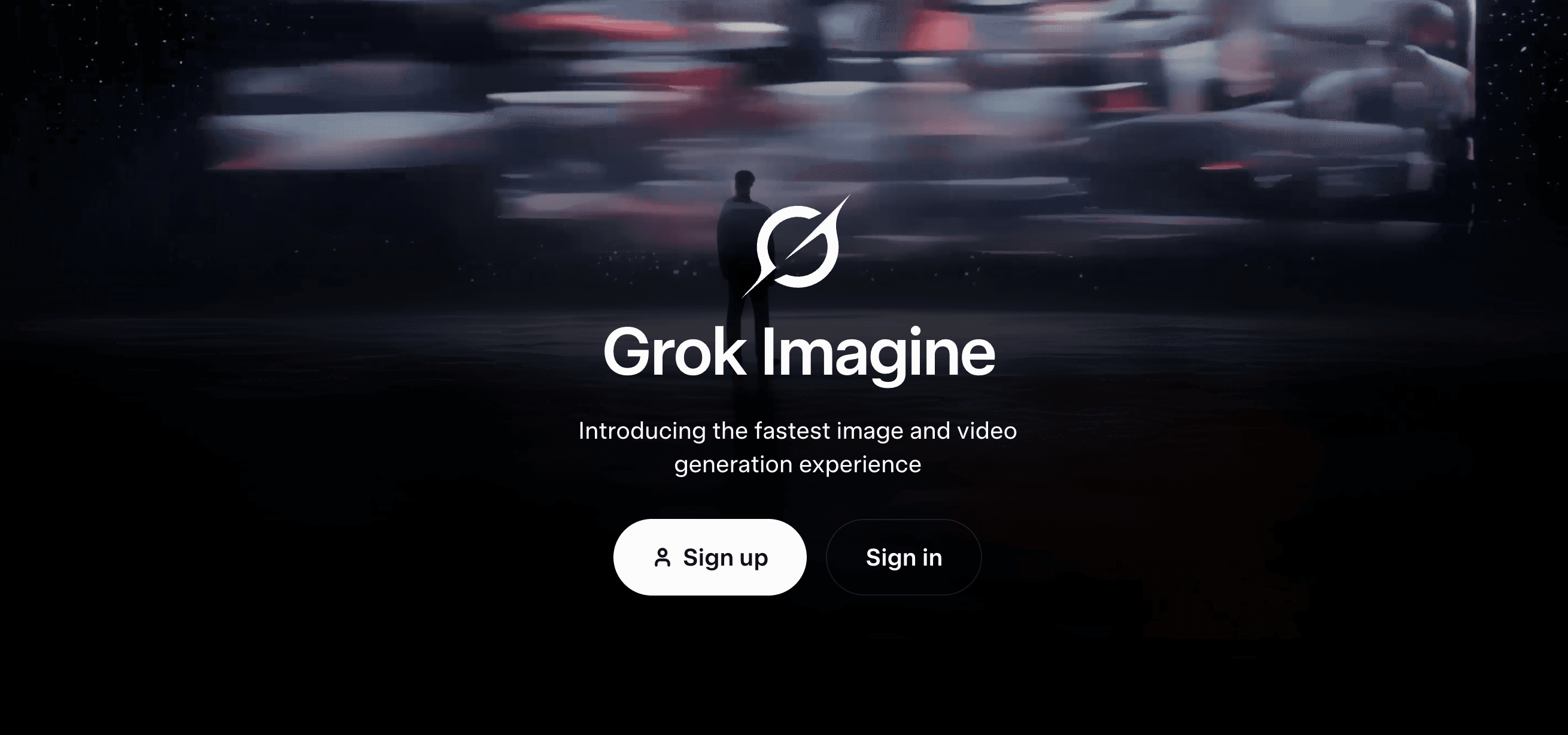
Overview
Grok Imagine is the visual creation area inside Grok. It combines image generation and editing with text-to-video, image-to-video and video-editing workflows. The current flagship API recommendations are Grok Imagine Image 2.0 for images and Grok Imagine Video 1.5 for video, while the consumer experience packages the tools behind modes and a shared Grok usage allowance.
This page covers the overall product rather than duplicating the separate Grok Imagine Image 2.0 model review. Imagine is strongest for people who want images and short clips—including generated sound—inside one Grok workflow or need usage-priced APIs. Buyers should account for consumer watermarks, shared weekly limits, resolution caps and the sharply higher cost of 1080p video.
Use cases
The strongest fit depends on the job you need the product to complete, not the size of its feature list.
Creators moving from a concept to images and short motion tests without switching between unrelated products.
Teams animating a selected still while directing camera movement, pacing, atmosphere and sound.
Developers who want direct image, video and editing endpoints with published per-output pricing.
Designers making regional edits, removing backgrounds, resizing compositions or combining multiple visual references.
Capabilities
Creates 1K or 2K images with Low or Medium quality options and improved typography, layout and instruction following.
The consumer tools include a magic wand and segmentation controls intended to change selected areas while preserving the rest.
The consumer Image 2.0 workflow accepts up to five input images; the direct API documentation currently describes up to three.
Recomposes an image into common aspect ratios and can export a selected subject on a transparent background.
Video 1.5 can create a first frame from text or animate an input image, with controllable duration, aspect ratio and resolution.
The video system can generate sound, and supported reference-to-video API workflows can use built-in voice IDs.
The broader Imagine API can restyle footage and add, remove or swap objects, with input-length and output-resolution constraints.
Consumer presets package workflows such as photo editing, product shots, headshots, icons and game assets.
Process
Step 1
Decide whether the deliverable is a still, a new clip, an animated reference or an edit to existing media because each path has different limits and costs.
Step 2
For controlled video work, generate or upload a strong first frame and correct composition, text and identity before animation.
Step 3
Describe subject movement, camera direction, pacing, atmosphere and audio rather than supplying only a visual style.
Step 4
Test at a lower resolution or shorter duration, then spend the higher 720p or 1080p rate only on selected concepts.
Step 5
Review faces, hands, text, objects, physics, sound synchronization and the required consumer watermark before sharing.
Step 6
Monitor the shared consumer allowance or per-request API cost and confirm permission for uploaded references, voices and final commercial use.
Cost
Consumers can start free and upgrade for larger shared Grok limits; SuperGrok is $30 per month and SuperGrok Plus is $100 per month. API usage is billed separately by image or video second, with current image output from $0.02 and video from $0.05 per second.
$0
Limited Grok access across web and mobile, with image and video availability shown in the current plan comparison.
$30/mo
Paid individual plan with higher limits across Grok features, including image and video generation.
$100/mo
Higher-usage individual plan with consumer 1080p video creation and priority access.
$0.02–$0.08/output
Usage-priced image generation and editing; the exact rate depends on model, resolution and quality.
$0.05–$0.25/sec
Usage-priced video generation and editing, with rate determined by model and resolution.
Pricing checked . Check current pricing at the source ↗
Assessment
Compare
The right alternative depends on the specific output, workflow, controls and budget your project requires.
Content Creator
Choose Runway when a mature filmmaking workflow and broader production toolset matter more than Grok integration.
Explore Runway Gen-4.5 →Content Creator
Choose Kling 3.0 to compare longer video workflows, consistency and native-audio generation.
Explore Kling 3.0 →Content Creator
Choose Hailuo AI for another consumer-oriented image-to-video and short-form generation workflow.
Explore Hailuo AI →Design
Choose Ideogram when the work is primarily still-image design and typography rather than combined image and video.
Explore Ideogram →Questions
Grok Imagine is SpaceXAI's visual creation suite for image generation, image editing, text-to-video, image-to-video and video editing across Grok consumer apps and the xAI API.
Grok has a Free plan with limited image and video access. Paid SuperGrok plans raise limits, and developer API usage is billed separately.
The current official U.S. pricing page lists SuperGrok at $30 per month and SuperGrok Plus at $100 per month.
Image output starts at $0.02. Image 2.0 ranges from $0.04 to $0.08 per output, plus $0.01 per input image. Video starts at $0.05 per second; Video 1.5 ranges from $0.08 at 480p to $0.25 at 1080p.
The current API allows 1–15 second generation. Video editing retains the input duration and caps it at 8.7 seconds.
Yes. Video 1.5 supports 1080p for supported text-to-video and image-to-video API workflows, and SuperGrok Plus lists 1080p consumer creation. Reference-to-video is capped at 720p.
No for consumer outputs. SpaceXAI says there is no removal setting and its policy prohibits removing, altering or obscuring the watermark or other provenance signals.
Yes. The video models support generated audio, and Video 1.5 reference-to-video can use preset voices. Custom voice-reference access is limited to trusted partners on request.
SpaceXAI's consumer FAQ says users own their inputs and outputs and may use generated images commercially, subject to the terms, third-party rights, law and requested Grok attribution.
Consumer prompts, uploads and outputs may be used for model training unless the user changes the training setting. Private Chat is not used for training, and business and enterprise content is not used for training by default.
Grok Imagine is the overall image-and-video product. Image 2.0 is the current image model within it; Video 1.5 is the corresponding current video model.
Bottom line
Grok Imagine is a credible all-in-one choice for creators who want still generation, targeted edits and short video with sound under one account, and its APIs are unusually easy to price. The tradeoffs are meaningful: consumer watermarks are mandatory, paid usage is shared across Grok products and 1080p video is expensive. Use lower-resolution tests, reserve final-resolution runs for selected shots and keep a human review step for rights and continuity.
Visit Grok Imagine website ↗
Get access to all our AI courses, hundreds of real-world AI use cases, live expert-led workshops, an exclusive network of AI early adopters, and more.
Get unlimited access to all of our current & upcoming industry-specific AI courses for the duration of your subscription.
To keep up with the rapid pace of AI, our team publishes AI implementation guides daily. Our library contains 300+ practical use cases to automate real-world work.
Join weekly, live, interactive sessions with industry leaders who are at the forefront of AI for hands-on implementation guidance and exclusive insights.
Network with an exclusive community of AI-first professionals who are working smarter with AI. Learn how early adopters are using AI in their work and businesses.