Individual developers
Get inline suggestions and codebase explanations during ordinary editing.
Independent tool overview
GitHub Copilot supports code completion, chat, agent-mode work, code review and cloud coding tasks within GitHub’s development ecosystem.
Visit the official GitHub Copilot site ↗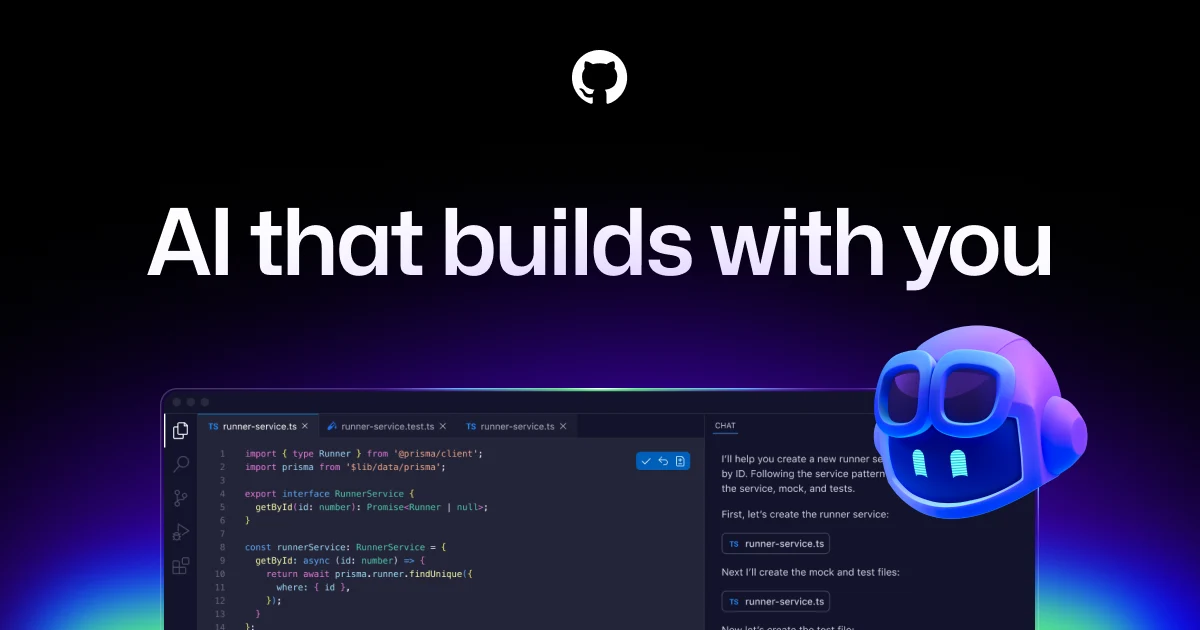
Overview
GitHub Copilot is the broader coding product behind GitHub’s completion, chat and agent experiences. Developers can ask questions in an IDE, receive inline suggestions, delegate bounded changes to an agent, or request a first-pass pull-request review. GitHub’s newer Agent HQ brings some agent sessions into a shared GitHub workflow, but it is one part of the broader Copilot offering.
The product works best where repository context, code review and existing GitHub policies are central. Model and feature access vary by plan and administrator settings. An agent may edit files or propose pull requests, but maintainers remain responsible for tests, security, licensing and correctness. Treat prompts, repository content and generated code as material to inspect rather than proof that a task is complete.
Use cases
The strongest fit depends on the job you need the product to complete, not the size of its feature list.
Get inline suggestions and codebase explanations during ordinary editing.
Use an agent to draft bounded changes and a first-pass reviewer to surface issues for human review.
Apply license, policy and spending controls while rolling AI features out across teams.
Capabilities
Suggests code in supported editors as a developer types.
Answers questions and helps reason about code in supported surfaces.
Can plan and change code locally or run delegated repository tasks in a cloud environment.
Provides automated first-pass feedback on pull requests under configured policy.
Availability of models, CLI and third-party agents depends on plan and feature settings.
Process
Step 1
Select a small change with clear acceptance criteria and appropriate repository permissions.
Step 2
Accept or reject inline suggestions for tiny edits; use Chat or agent mode for multi-file work.
Step 3
Read every changed line, especially security, dependency and data-handling changes.
Step 4
Run tests and human review, then merge through the repository’s normal process.
Cost
GitHub’s current plan page lists Free, Pro, Pro+, Max, Business and Enterprise choices. Individual Pro starts at $10/month; Business is $19/user/month and Enterprise $39/user/month in GitHub’s docs. Advanced features consume AI Credits and cloud work may use Actions minutes, so actual usage needs monitoring.
$0
Limited individual completion, chat and agent access.
$10/month
Higher individual allowance and broader feature access.
Higher individual tiers
More AI Credit and model capacity for heavy users.
$19 / $39 per user-month
Managed organization access.
Pricing checked . Check current pricing at the source ↗
Assessment
Compare
The right alternative depends on the specific output, workflow, controls and budget your project requires.
Coding
Choose a dedicated AI-first editor with its own agent workflow.
Explore Cursor →Coding
Consider a terminal-first coding agent from Mistral.
Explore Mistral Vibe CLI →Business Operations
Use general automation if the problem is cross-app workflow rather than writing code.
Explore n8n →Questions
A limited Free plan exists for individuals; advanced features and higher usage require paid plans.
GitHub’s cloud agent can work on delegated repository tasks and propose changes; maintainers should review and test before merging.
No. It is a first pass that can suggest issues; humans retain responsibility for approvals and quality.
GitHub uses AI Credits for advanced Copilot interactions, including chat, agents and review. Usage and allotment vary by plan.
Bottom line
GitHub Copilot is a natural option for teams already organizing code and review in GitHub. Its wide surface area is valuable, but a sound trial should measure code acceptance, defects, review effort and AI Credit use on real tasks. Keep tests and accountable human review in the same workflow.
Visit GitHub Copilot website ↗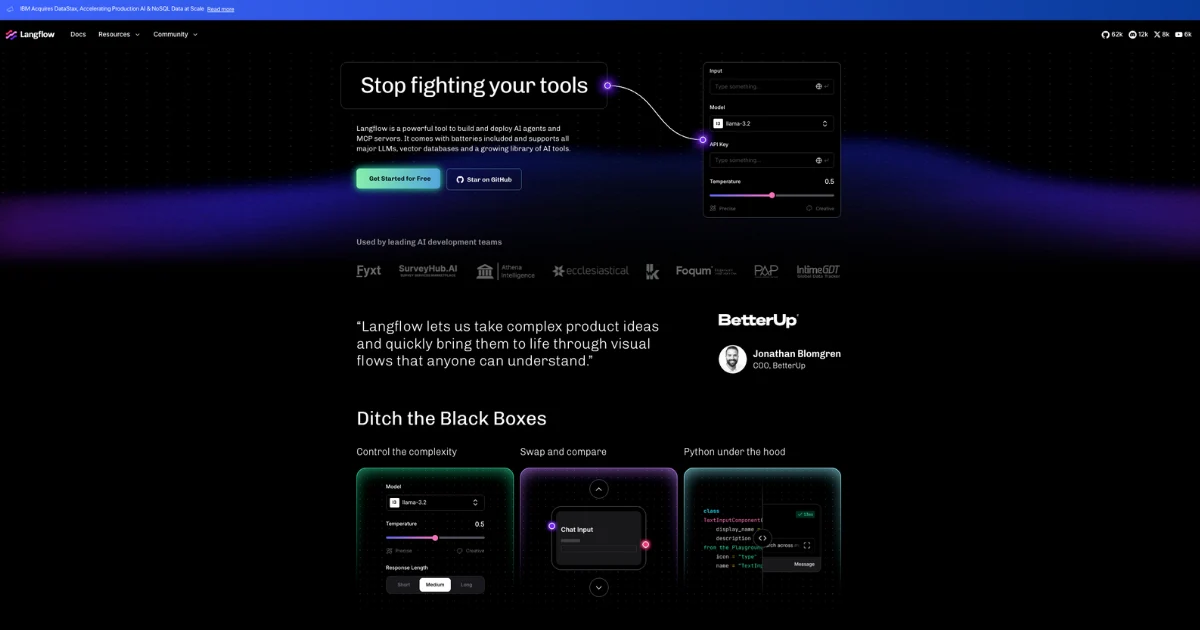
Open-source visual builder and runtime for AI agents, retrieval flows, and MCP servers.
Convert websites into structured data and readable content for agents, search tools and research pipelines with Firecrawl.
Orchestrate stateful AI agents with LangGraph’s graph-based, open-source runtime.
Access image, video and audio models through fal.ai APIs, or deploy custom inference on managed infrastructure.

Get access to all our AI courses, hundreds of real-world AI use cases, live expert-led workshops, an exclusive network of AI early adopters, and more.
Get unlimited access to all of our current & upcoming industry-specific AI courses for the duration of your subscription.
To keep up with the rapid pace of AI, our team publishes AI implementation guides daily. Our library contains 300+ practical use cases to automate real-world work.
Join weekly, live, interactive sessions with industry leaders who are at the forefront of AI for hands-on implementation guidance and exclusive insights.
Network with an exclusive community of AI-first professionals who are working smarter with AI. Learn how early adopters are using AI in their work and businesses.