Designers shipping live sites
Move from visual design to responsive production pages without handing every iteration to a separate development workflow.
Independent tool overview
Framer's AI-first website builder combines a visual canvas, CMS, hosting, analytics, and canvas-native agents that can design, write, code, organize, and troubleshoot a site.
Visit the official Framer 3.0 site ↗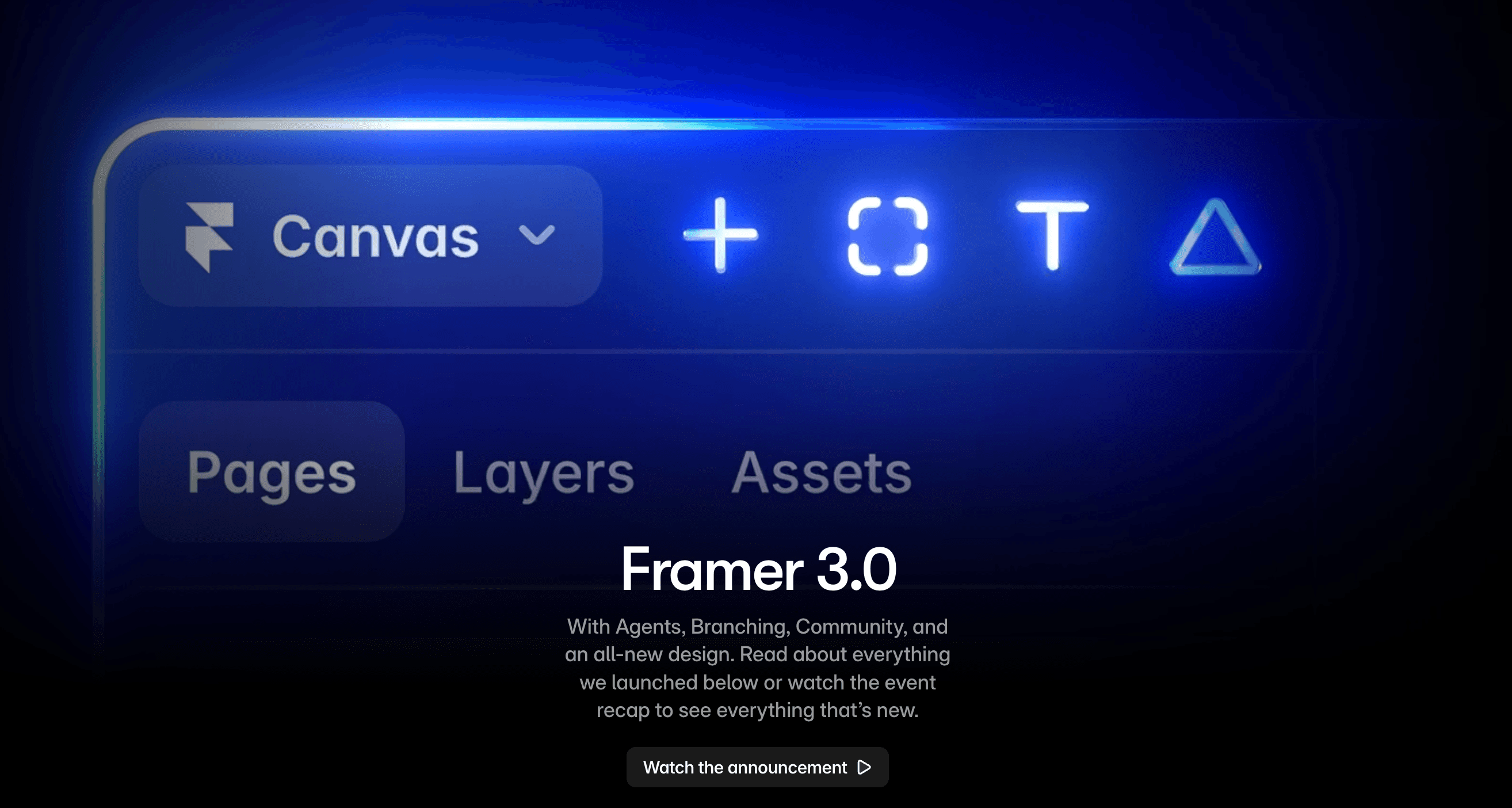
Overview
Framer 3.0 is the June 2026 release of Framer's visual website platform. Its headline addition is Agents that operate directly on the design canvas: they can create and revise pages, make responsive breakpoints, add effects and components, write code, work with CMS content, organize styles, and surface site analytics while the designer keeps visual control.
The release also adds Branching for safely exploring and previewing changes before merging them, a redesigned Community for sharing and selling resources, and preview support for external agents. The result is broader than a prompt-to-page generator: teams can design, maintain, publish, host, and iterate on marketing sites in one system.
AI does not remove the need for web QA. Generated layouts, code, CMS edits, and copy still need review across breakpoints, browsers, accessibility, performance, analytics, forms, redirects, and search metadata. Use branches and staging for meaningful changes, and understand credit, seat, hosting, and add-on costs before scaling a workspace.
Use cases
The strongest fit depends on the job you need the product to complete, not the size of its feature list.
Move from visual design to responsive production pages without handing every iteration to a separate development workflow.
Manage landing pages, CMS content, analytics, localization, and experiments in the same hosted platform.
Use branching, previews, roles, reusable components, and client-facing collaboration across multiple contributors.
Capabilities
Ask an agent to design pages, revise layout, create breakpoints, add effects, write code, update CMS content, analyze a site, or organize styles directly on the canvas.
Experiment away from the live version, share a preview, and merge approved changes back into the main site.
Build responsive layouts, components, styles, interactions, and effects with direct manipulation and reusable structure.
Publish structured content and add locales, including AI-assisted translation through paid add-ons.
Publish on Framer's infrastructure with plan-specific bandwidth, analytics history, redirects, staging, and built-in SEO tooling.
Connect outside tools to act on Framer sites while the feature remains in preview and plan availability evolves.
Discover creators, templates, components, resources, contests, and marketplace offerings from within Framer's ecosystem.
Process
Step 1
Set goals, audience, conversion events, sitemap, content model, brand styles, component rules, and technical requirements before prompting.
Step 2
Give the Agent one page or section with clear content, hierarchy, constraints, and reference styles instead of requesting the whole site vaguely.
Step 3
Refine spacing, typography, hierarchy, interactions, components, CMS connections, and copy using direct edits and targeted Agent requests.
Step 4
Use a branch and shareable preview for redesigns, generated code, CMS migrations, or updates that could affect the live site.
Step 5
Test mobile and desktop layouts, keyboard access, contrast, motion, forms, links, metadata, redirects, structured content, performance, and analytics.
Step 6
Connect the domain on a paid plan, publish, watch conversions and errors, and iterate from real behavior rather than appearance alone.
Cost
Framer displays monthly equivalents with yearly billing selected: Free at $0, Basic at $10 per month, Pro at $30 per month, and Enterprise at custom pricing. AI features consume workspace credits; editors, locales, testing, advanced hosting, extra capacity, and other add-ons can increase the total cost.
$0
For learning, design exploration, and non-commercial prototypes on a Framer domain.
$10/month billed yearly
For personal sites, portfolios, and smaller published projects.
$30/month billed yearly
For growing professional sites and teams.
Custom
For mission-critical sites needing custom scale, administration, and support.
Pricing checked . Check current pricing at the source ↗
Assessment
Compare
The right alternative depends on the specific output, workflow, controls and budget your project requires.
Coding
Better when the project is closer to a full web application built through conversation than a design-led marketing site.
Explore Lovable →Design
A strong alternative for generating React-based interfaces that will live in a developer-controlled codebase.
Explore Vercel v0 →Design
Worth comparing for highly visual AI-assisted websites and motion-focused experiences.
Explore Dora →Questions
The June 2026 release introduced canvas-native Agents, Branching, a redesigned Community, an all-new interface, and preview support for external agents. Agents can work across page design, responsive breakpoints, effects, components, code, CMS content, analytics, and styles.
They can generate and modify substantial parts of a site, but a production result still needs human decisions about information architecture, brand, content, components, data, accessibility, responsiveness, forms, SEO, performance, analytics, and legal requirements.
Framer has a $0 plan for trying design and AI features on a Framer domain. A paid site plan is required for a custom domain and higher limits; Agents and other AI features consume plan credits.
The current pricing page includes trial credits on Free, 1,000 monthly credits on Basic, 3,000 on Pro, and custom allocations on Enterprise. Framer also sells additional credits, so usage can add to the site-plan cost.
Framer includes managed hosting and SEO controls, with paid-plan features such as custom domains and plan-specific redirects. Rankings still depend on content quality, crawlable architecture, correct metadata and canonicals, internal linking, performance, accessibility, structured data where appropriate, and ongoing monitoring.
Yes for changes that could disrupt layout, CMS content, code, navigation, or the live conversion path. A branch provides a safer place to review and share the result before merging it into production.
Bottom line
Framer 3.0 is one of the strongest options for design-led teams that want AI assistance without giving up an editable visual canvas. Agents make first drafts and maintenance faster, while Branching makes that speed safer. It is most compelling for marketing sites, portfolios, and content-driven experiences—not as a substitute for product strategy, production QA, or a custom application stack.
Visit Framer 3.0 website ↗
Fusion - OpenRouter's new tool that fuses several models into panels to achieve frontier performance

Sakana Fugu - Sakana’s new orchestration model nearing frontier capabilities

Freddy - Plug your wearables, CGMs, power meters, and gym apps straight into any AI agent that speaks MCP

Claude Sonnet 5 - Anthropic's mid-sized, cost-effective model with strong agentic and coding capabilities

Get access to all our AI courses, hundreds of real-world AI use cases, live expert-led workshops, an exclusive network of AI early adopters, and more.
Get unlimited access to all of our current & upcoming industry-specific AI courses for the duration of your subscription.
To keep up with the rapid pace of AI, our team publishes AI implementation guides daily. Our library contains 300+ practical use cases to automate real-world work.
Join weekly, live, interactive sessions with industry leaders who are at the forefront of AI for hands-on implementation guidance and exclusive insights.
Network with an exclusive community of AI-first professionals who are working smarter with AI. Learn how early adopters are using AI in their work and businesses.