AI-assisted graphic design
Compose images on a layer-based canvas, generate or restyle selected assets, and make local changes without rebuilding the whole design.
Independent tool overview
Dzine is an active all-in-one web canvas for generating, editing, composing, and enhancing AI images and videos across many third-party models. It offers unusually broad creative tooling, but its dense credit system, fair-use limits, and non-refundable subscriptions require a real workload test before upgrading.
Visit the official Dzine site ↗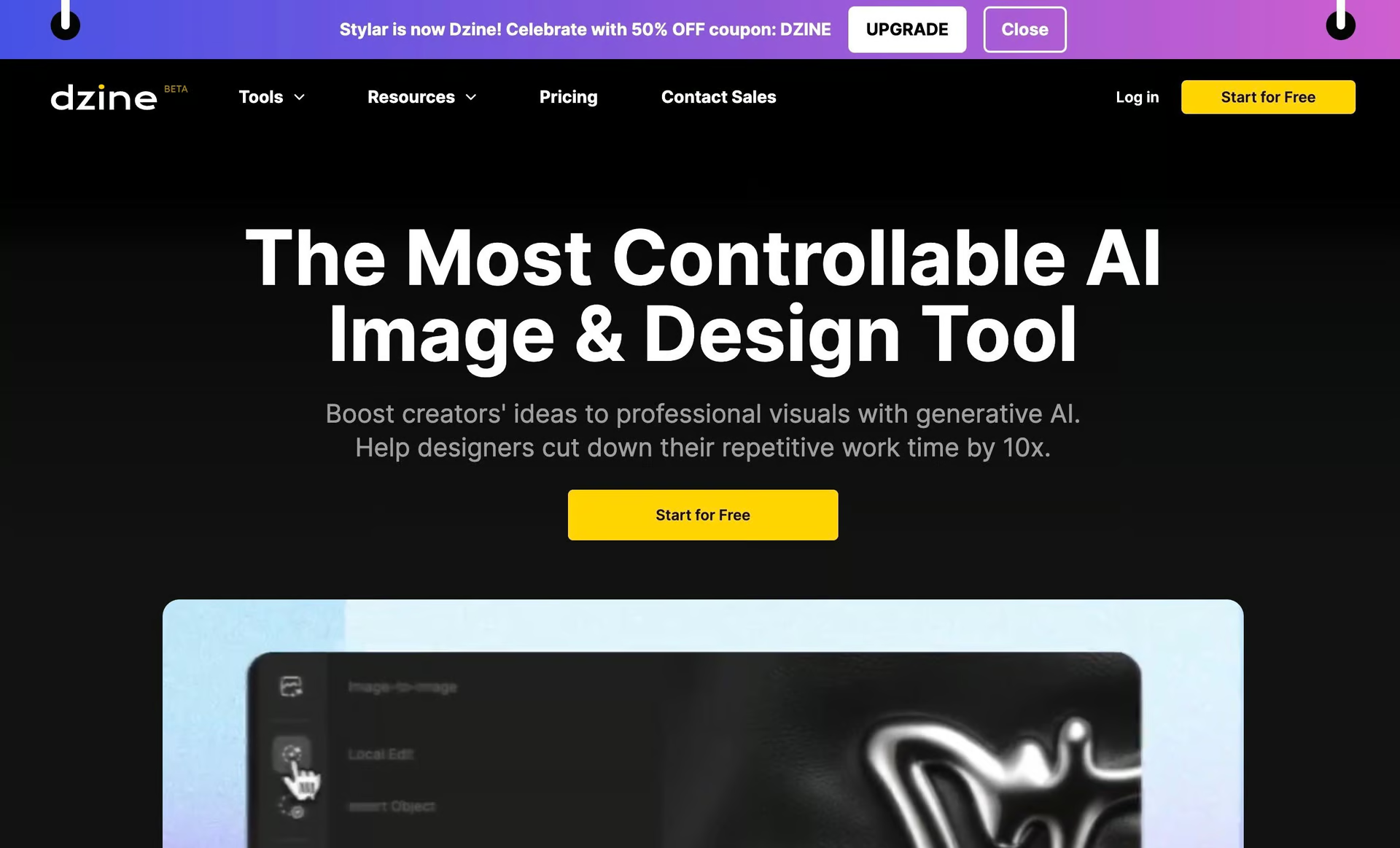
Overview
Dzine—formerly Stylar AI—combines image generation, video generation, layer-based composition, conversational editing, enhancement, lip sync, character consistency, virtual try-on, and dozens of focused visual tools in one browser workspace. Its canvas is the main differentiator: users can position source assets and keep editing instead of treating each model output as an isolated download.
The platform aggregates models such as Nano Banana, Seedream, Kling, Wan, Veo, Seedance, Flux, Midjourney, and Dzine's own options. It also supports local edits, generative fill, object insertion and removal, image-to-video, video-to-video, multiple reference frames, talking characters, and high-resolution enhancement.
Dzine is active and shipping frequent model integrations. New accounts currently receive 100 one-time credits valid for 12 months; the old daily free-credit reset has ended, despite stale promotional copy still appearing on parts of the site. Paid plans start at $8.99 per month and include commercial use.
Use cases
The strongest fit depends on the job you need the product to complete, not the size of its feature list.
Compose images on a layer-based canvas, generate or restyle selected assets, and make local changes without rebuilding the whole design.
Store consistent characters or styles and create ads, product scenes, talking images, or visual story sequences.
Compare image and video models in one account when maintaining several separate subscriptions would slow the workflow.
Capabilities
Place, reorder, combine, and transform visual elements before using generation or editing tools.
Chat Editor applies plain-language requests such as changing backgrounds, lighting, colors, text, objects, or poses.
Access multiple third-party image and video families with different quality, control, speed, and credit costs.
Create from text, images, several reference frames, or existing video, with keyframe and reference workflows for more predictable structure.
Store reusable characters, generate talking avatars, and synchronize multiple speakers for dialogue-oriented content.
Use generative fill, auto-selection, erasing, expansion, image combination, upscaling, video enhancement, face tools, filters, and virtual try-on.
Process
Step 1
Define the deliverable, references, aspect ratio, brand constraints, rights, and acceptable cost before selecting a model.
Step 2
Arrange source images, characters, products, frames, or text so composition is explicit before generation.
Step 3
Use the lowest-cost model that meets the requirement, then refine only the chosen result with chat, local edits, or video controls.
Step 4
Check consistency, faces, hands, text, brand details, audio sync, commercial rights, and total credits before high-resolution export.
Cost
Dzine uses one credit balance across image, video, and AI tools. Model costs vary widely, and 'unlimited' image access on higher plans is subject to a fair-use policy. Monthly prices are shown first below; annual billing lowers the effective monthly rate.
$0 with 100 signup credits
A one-time evaluation allowance for image and video tools.
$8.99 monthly or $7/month billed annually
The entry commercial plan for lower-volume work.
$24.99 monthly or $20/month billed annually
A mid-volume plan with more credits, reusable characters, and purchasable top-ups.
$59.99 monthly or $50/month billed annually
A high-volume image plan with fair-use unlimited access to listed image models.
$149.99 monthly or $120/month billed annually
The largest self-serve plan for heavy multi-model production.
Pricing checked . Check current pricing at the source ↗
Assessment
Compare
The right alternative depends on the specific output, workflow, controls and budget your project requires.
Content Creator
Choose Krea for a cleaner real-time generation and enhancement workflow with broad model access.
Explore Krea →Design
Consider OpenArt for another wide multi-model image and video workspace with dedicated filmmaking tools.
Explore OpenArt →Design
Choose PromeAI when architecture, interior, product, and design visualization workflows are the main requirement.
Explore PromeAI →Content Creator
Consider LensGo for a simpler browser workflow focused on style transfer, image generation, and video generation.
Explore LensGo →Questions
Yes. Stylar AI was renamed Dzine as the product expanded from image editing into a broader image and video design platform.
New free users currently receive 100 one-time credits valid for 12 months. Dzine's current pricing page says the previous daily free-credit reset is no longer available.
Monthly plans currently cost $8.99 for Beginner, $24.99 for Creator, $59.99 for Master, and $149.99 for Master Pro. Annual billing lowers the effective monthly price.
Dzine says paid users can use generated content commercially to the extent permitted by law. Free-tier output is for personal projects only.
Master and Master Pro list unlimited access to selected image models, but that access is governed by Dzine's fair-use policy. Video and many other operations still use credits.
Creator, Master, and Master Pro subscription credits can roll over for up to three months. Beginner credits do not roll over, and bonus or top-up balances follow separate expiration rules.
Bottom line
Dzine is strongest when a creator wants model choice plus a working canvas, not merely another prompt box. The breadth is valuable for ads, characters, product scenes, and mixed image-video projects, but the credit economics vary too much to judge from plan totals alone. Use the 100-credit trial on a real deliverable, then calculate credits per accepted asset before committing to a non-refundable subscription.
Visit Dzine website ↗
Get access to all our AI courses, hundreds of real-world AI use cases, live expert-led workshops, an exclusive network of AI early adopters, and more.
Get unlimited access to all of our current & upcoming industry-specific AI courses for the duration of your subscription.
To keep up with the rapid pace of AI, our team publishes AI implementation guides daily. Our library contains 300+ practical use cases to automate real-world work.
Join weekly, live, interactive sessions with industry leaders who are at the forefront of AI for hands-on implementation guidance and exclusive insights.
Network with an exclusive community of AI-first professionals who are working smarter with AI. Learn how early adopters are using AI in their work and businesses.
.avif)
.avif)
.avif)
