Heterogeneous document pipelines
Useful when incoming files must be normalized before extraction, OCR, or model processing.
Independent tool overview
CloudConvert converts files across document, image, audio, video, archive, and other formats through a web app and API. It is not AI-native, but it can be a useful preprocessing or delivery step around document extraction, multimodal models, transcription, and generated media.
Visit the official CloudConvert site ↗
Overview
AI systems often accept only specific formats, sizes, codecs, or resolutions. CloudConvert jobs can import a source, convert it with explicit options, and export the result to a storage destination before the model call or final delivery step.
Conversion is still a data transfer to a third party. Teams need to review file sensitivity, retention, regional requirements, error handling, and whether a local open-source converter would be safer or cheaper for high volume.
Use cases
The strongest fit depends on the job you need the product to complete, not the size of its feature list.
Useful when incoming files must be normalized before extraction, OCR, or model processing.
Fits workflows that need model output transcoded or packaged for a downstream channel.
Capabilities
API v2 models work as jobs composed of import, conversion, and export tasks.
CloudConvert documents SDKs for Node.js, Python, PHP, Ruby, Java, and .NET.
Covers common documents, images, audio, video, archives, and other file classes.
Process
Step 1
Check file type, size, sensitivity, and target model or delivery requirements.
Step 2
Import the file, set explicit conversion options, and export to an approved destination.
Step 3
Confirm readability, fidelity, metadata, and security before sending the file to a model or user.
Cost
CloudConvert offers a daily free allowance plus one-time packages, subscriptions, and enterprise plans priced by conversion credits.
Free 10 credits/day; paid pricing varies by volume
CloudConvert offers a daily free allowance plus one-time packages, subscriptions, and enterprise plans priced by conversion credits.
Pricing checked . Check current pricing at the source ↗
Assessment
Compare
The right alternative depends on the specific output, workflow, controls and budget your project requires.
Business Operations
Zapier is an enriched alternative for connecting work apps and automating repeatable steps.
Explore Zapier →Business Operations
Workato is an enriched alternative for larger-scale business automation and agent workflows.
Explore Workato →Questions
No. CloudConvert is a file-conversion service, included because format normalization is a frequent requirement in document and multimodal AI pipelines.
Use it to convert a validated source into a model-supported format, then verify the output before AI processing or delivery.
CloudConvert offers a daily free allowance plus one-time packages, subscriptions, and enterprise plans priced by conversion credits.
Bottom line
CloudConvert is useful when broad format coverage and a managed API save engineering time. Sensitive or high-volume pipelines should compare local conversion and stricter data controls.
Visit CloudConvert website ↗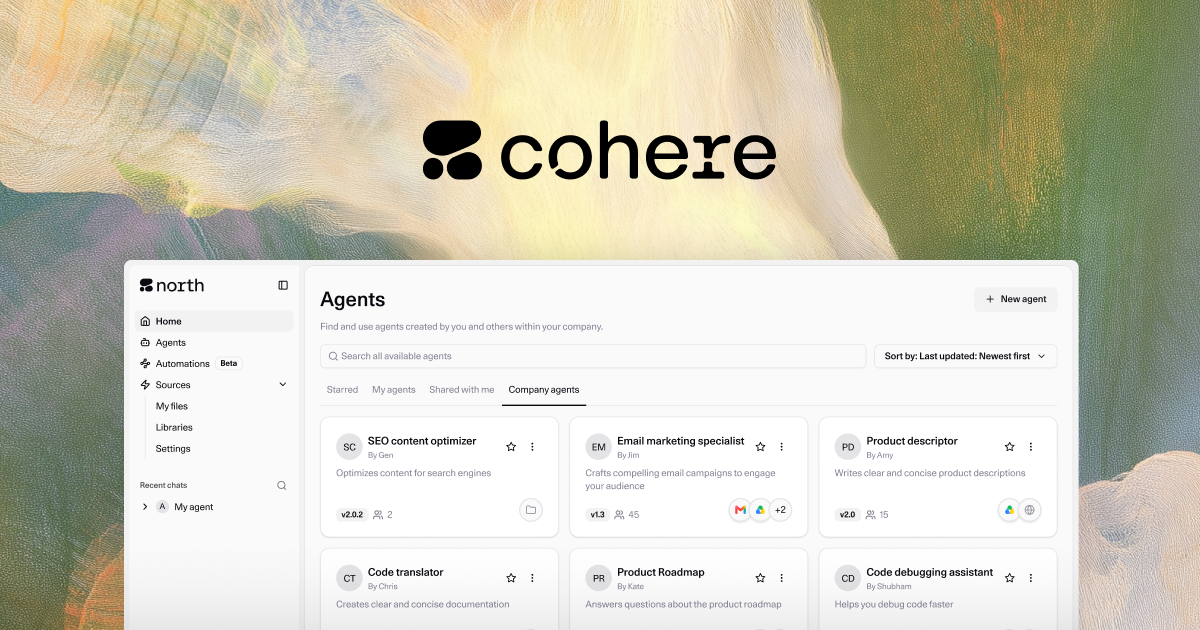
Enterprise AI platform for retrieval-grounded generation, multilingual models, embeddings, reranking, and private deployment.

Use Claude inside Microsoft 365 apps and connect work context across documents, spreadsheets, slides, and email.

Intercom's AI customer-service agent for resolving support questions across chat and other service channels using company knowledge and procedures.
Schedule ChatGPT or Codex work to run later, recur, or return to an existing chat.

Get access to all our AI courses, hundreds of real-world AI use cases, live expert-led workshops, an exclusive network of AI early adopters, and more.
Get unlimited access to all of our current & upcoming industry-specific AI courses for the duration of your subscription.
To keep up with the rapid pace of AI, our team publishes AI implementation guides daily. Our library contains 300+ practical use cases to automate real-world work.
Join weekly, live, interactive sessions with industry leaders who are at the forefront of AI for hands-on implementation guidance and exclusive insights.
Network with an exclusive community of AI-first professionals who are working smarter with AI. Learn how early adopters are using AI in their work and businesses.