Microsoft 365 knowledge workers
Teams that want AI assistance inside native Office files and inbox workflows.
Independent tool overview
Claude for Microsoft 365 brings Claude into Excel, PowerPoint, Word, and Outlook, with cross-app context and optional Microsoft 365 connectors.
Visit the official Claude for Microsoft 365 site ↗
Overview
The add-ins let users analyze and edit native Office content while preserving formulas, tracked changes, slide masters, and other application structures. Context can carry across open Microsoft 365 apps so one conversation can move from an email or brief into a spreadsheet, document, or deck.
Availability differs between the paid add-ins and the separate Microsoft 365 connector. The connector requires a work or school Entra tenant and administrator consent, while write tools add consequential permissions for email, calendars, files, and Teams.
Use cases
The strongest fit depends on the job you need the product to complete, not the size of its feature list.
Teams that want AI assistance inside native Office files and inbox workflows.
Users moving from a brief or email into analysis, documents, and presentation output.
Capabilities
Works with spreadsheet formulas, Word tracked changes, slide templates, and Outlook drafts.
Carries the working conversation among supported open Microsoft 365 applications.
Can search SharePoint, OneDrive, Outlook, and Teams, with optional controlled write tools.
Process
Step 1
Install supported add-ins or have an Entra admin configure the Microsoft 365 connector.
Step 2
Start with an email, file, spreadsheet, or deck and ask Claude to analyze or edit it.
Step 3
Inspect highlighted cells, tracked changes, slides, drafts, and permission-sensitive actions before saving or sending.
Cost
Claude for Excel, PowerPoint, and Word is generally available on paid Claude plans; Outlook is beta on paid plans. The Microsoft 365 connector is available on all Claude plans but requires an eligible work tenant. Anthropic does not publish a separate add-in price.
No separate price verified
Claude for Excel, PowerPoint, and Word is generally available on paid Claude plans; Outlook is beta on paid plans. The Microsoft 365 connector is available on all Claude plans but requires an eligible work tenant. Anthropic does not publish a separate add-in price.
Pricing checked . Check current pricing at the source ↗
Assessment
Compare
The right alternative depends on the specific output, workflow, controls and budget your project requires.
Business Operations
Choose ChatGPT for a broader general-purpose assistant with mature chat, file, and tool workflows.
Explore ChatGPT →Project Management
Choose Claude for an alternative general-purpose assistant with projects, artifacts, and connectors.
Explore Claude →Questions
Claude for Microsoft 365 brings Claude into Excel, PowerPoint, Word, and Outlook, with cross-app context and optional Microsoft 365 connectors.
Teams that want AI assistance inside native Office files and inbox workflows. Users moving from a brief or email into analysis, documents, and presentation output.
Claude for Excel, PowerPoint, and Word is generally available on paid Claude plans; Outlook is beta on paid plans. The Microsoft 365 connector is available on all Claude plans but requires an eligible work tenant. Anthropic does not publish a separate add-in price.
Bottom line
Claude for Microsoft 365 is a substantial suite for Office-centric teams, especially when work crosses inboxes, documents, spreadsheets, and decks. Its rollout should include tenant permission review and a clear human-review step for every write action.
Visit Claude for Microsoft 365 website ↗
File-conversion API and web service for normalizing documents, media, and assets before or after AI processing.

Schedule ChatGPT or Codex work to run later, recur, or return to an existing chat.
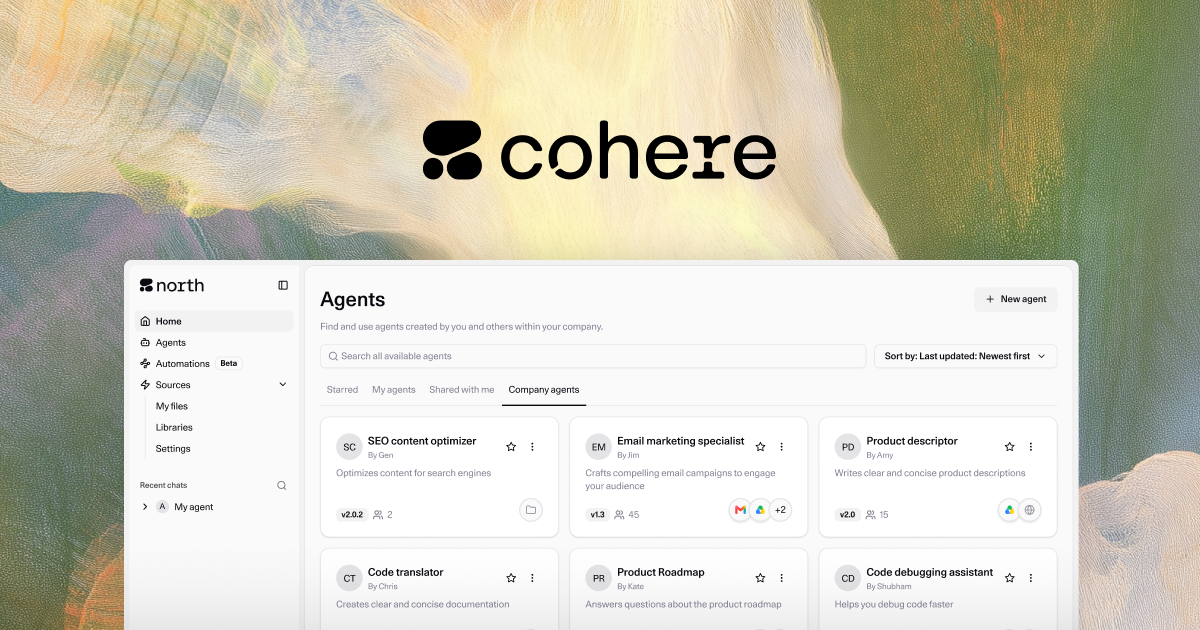
Enterprise AI platform for retrieval-grounded generation, multilingual models, embeddings, reranking, and private deployment.
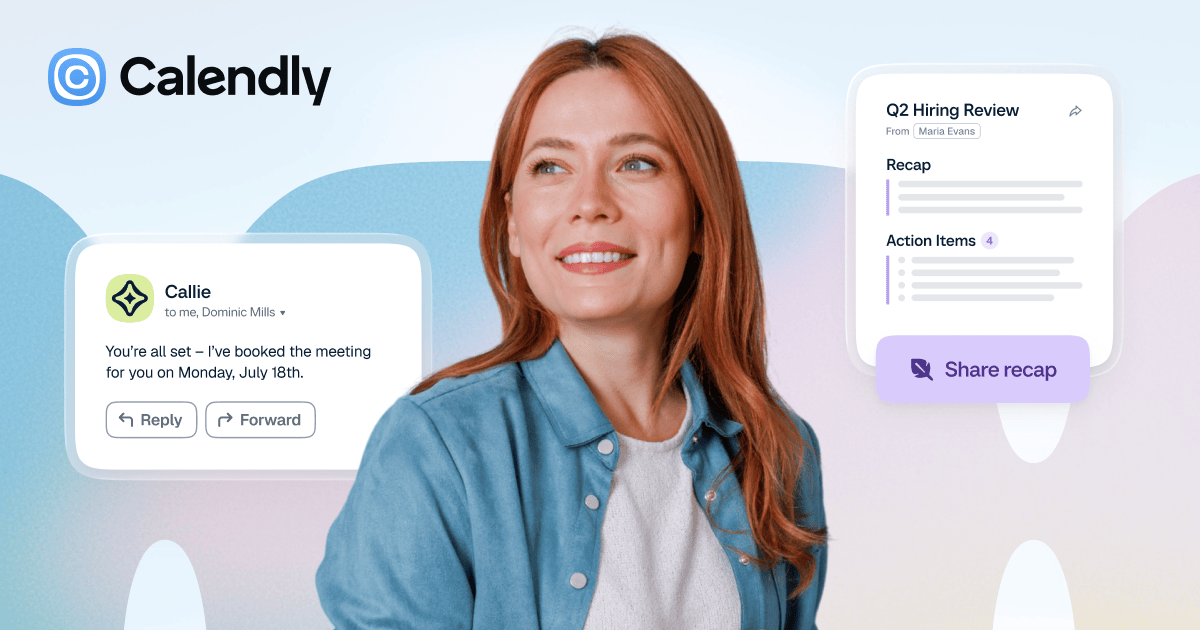
Scheduling platform with automated booking, meeting workflows, a notetaker, and an AI scheduling assistant.

Get access to all our AI courses, hundreds of real-world AI use cases, live expert-led workshops, an exclusive network of AI early adopters, and more.
Get unlimited access to all of our current & upcoming industry-specific AI courses for the duration of your subscription.
To keep up with the rapid pace of AI, our team publishes AI implementation guides daily. Our library contains 300+ practical use cases to automate real-world work.
Join weekly, live, interactive sessions with industry leaders who are at the forefront of AI for hands-on implementation guidance and exclusive insights.
Network with an exclusive community of AI-first professionals who are working smarter with AI. Learn how early adopters are using AI in their work and businesses.