Large-format output
Prepare photographs, renders and artwork for posters or other high-resolution deliverables.
Independent tool overview
Clarity AI is a web app and developer API for enlarging images and video with separate precision-focused and creative upscaling models.
Visit the official Clarity AI site ↗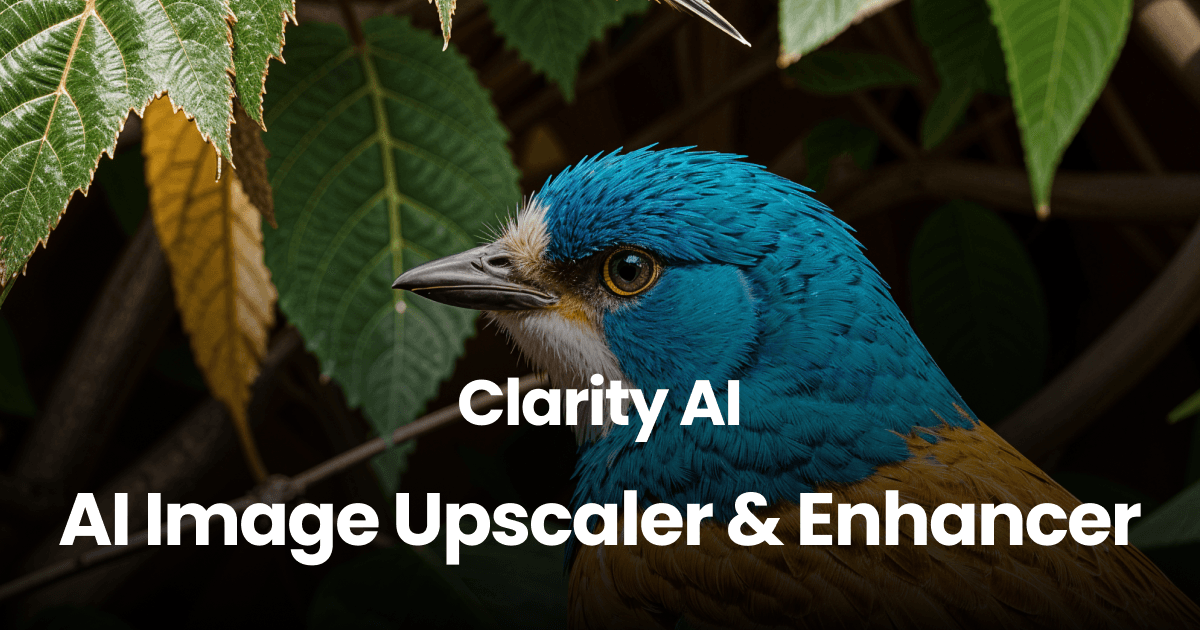
Overview
Clarity AI is an image and video upscaling platform built by independent developer Philipp S. Its current lineup separates precision-oriented enhancement from creative reconstruction: Crystal is intended to preserve the source, Crystal Video applies that approach to footage, and the Clarity models offer more control over newly generated detail. Users can work in the browser, call the API or use the paid ComfyUI integration.
The model choice matters more than the headline resolution. Precision upscaling is the safer starting point for products, faces, architecture, logos and text, while creative upscaling can make low-resolution AI art more detailed at the cost of potentially changing identities, materials, lettering or small objects. Review every result at 100% and compare it with the source before delivery.
Use cases
The strongest fit depends on the job you need the product to complete, not the size of its feature list.
Prepare photographs, renders and artwork for posters or other high-resolution deliverables.
Use the precision model when shape, label text, skin and fabric should stay close to the original.
Use creative controls to add plausible texture and detail to generated images that can tolerate reinterpretation.
Add image or video upscaling to an application through usage-based API access.
Bring hosted Clarity models into node-based generation pipelines on eligible paid plans.
Capabilities
Prioritizes source fidelity for photographs, faces, products, architecture and text-heavy images.
Upscales footage with a precision-oriented video model and output-dependent credit use.
Offers adjustable creative detail for artwork and low-resolution inputs where reconstruction is acceptable.
Provides a newer creative model aimed at higher-detail portrait and skin enhancement.
Supports outputs from ordinary 2K and 4K targets through very large image files, depending on the selected model.
Charges developers by output megapixels or megapixel-seconds without requiring a subscription.
Lets creators upload, configure and download outputs without building an integration.
Connects the hosted API to ComfyUI using an account token on plans that include plugin access.
Paid plans list style transfer, image creation and prompt-detection tools alongside upscaling.
Process
Step 1
Identify whether the file contains faces, readable text, product geometry or other details that must not change.
Step 2
Start with Crystal for fidelity; choose Clarity only when plausible newly generated detail is acceptable.
Step 3
Pick the final pixel dimensions needed for the actual screen or print output instead of maximizing resolution by default.
Step 4
Test representative crops or lower-cost outputs across models and settings before processing a batch.
Step 5
Check faces, hands, lettering, edges, repeated patterns, noise and fine geometry against the source.
Step 6
Keep the original, record the model and settings, and verify color profile, compression and print dimensions downstream.
Cost
Subscriptions include monthly credits, the browser app and API access. Annual billing is advertised at roughly 30% below month-to-month pricing. The separate API option is pay as you go, with cost driven by model and output size.
$0/month + usage
Pay-as-you-go access for developers and integrations.
$19 monthly or $13/month annually
Entry creator plan with 1,200 credits per month.
$49 monthly or $33/month annually
Higher-volume creator plan with 4,000 credits per month.
$299 monthly or $199/month annually
Agency and high-volume plan with 30,000 credits per month.
Pricing checked . Check current pricing at the source ↗
Assessment
Compare
The right alternative depends on the specific output, workflow, controls and budget your project requires.
Design
A strong creative-upscaling alternative with controls aimed at adding plausible visual detail.
Explore Magnific AI →Content Creator
A desktop-focused option for professional video enhancement, frame interpolation and upscaling.
Explore Topaz Labs Video AI 5 →Design
A lightweight image-enhancement alternative available through a public Hugging Face Space.
Explore Finegrain Image Enhancer →Design
Better when the job calls for regenerating or redesigning the visual rather than only enlarging it.
Explore Recraft V4.1 →Questions
Clarity AI at clarityai.co is an image and video upscaling platform with a browser app, API and ComfyUI integration. It is unrelated to the sustainability-intelligence company using clarity.ai.
Crystal is positioned for precision and source fidelity. Clarity is the creative model family, with controls that can invent or reinterpret detail. Use Crystal when factual visual details must remain stable.
Starter costs $19 month to month or $13 per month billed annually; Pro is $49 or $33; Business is $299 or $199. Developers can use pay-as-you-go API pricing without a subscription.
The public pricing page lists Crystal at up to 1.5 gigapixel. Clarity is listed at up to 178 megapixels and Clarity Pro at up to 100 megapixels. Practical limits also depend on source, model and credit balance.
Yes. Crystal Video is the precision-oriented video model. API pricing is based on megapixel-seconds, and subscription examples show that even short HD or 4K clips can consume many credits.
Yes. The platform offers a pay-as-you-go API, and paid creator plans also list API access.
The original Clarity upscaler has an AGPL-3.0-licensed public implementation on GitHub. The hosted platform and newer proprietary models or features have separate access and pricing.
No AI upscaler can guarantee that. The precision model is the better starting point, but outputs still need close comparison with the source, especially for identities, legal text, labels and products.
Bottom line
Clarity AI stands out by making the precision-versus-creativity tradeoff explicit and by publishing unusually detailed output-based pricing. It is a practical option for creators and developers who will choose the model deliberately and inspect the result; it should not be treated as a guaranteed recovery tool for missing or legally significant detail.
Visit Clarity AI website ↗
Get access to all our AI courses, hundreds of real-world AI use cases, live expert-led workshops, an exclusive network of AI early adopters, and more.
Get unlimited access to all of our current & upcoming industry-specific AI courses for the duration of your subscription.
To keep up with the rapid pace of AI, our team publishes AI implementation guides daily. Our library contains 300+ practical use cases to automate real-world work.
Join weekly, live, interactive sessions with industry leaders who are at the forefront of AI for hands-on implementation guidance and exclusive insights.
Network with an exclusive community of AI-first professionals who are working smarter with AI. Learn how early adopters are using AI in their work and businesses.

.avif)

.avif)