The Rundown AI homepage

ai 3d model generators

Best AI 3D Model Generators

AI 3D model generators can turn a prompt or reference image into geometry and textures for games, visualization and creative production. This guide compares asset quality, topology, editing, rigging, export formats and the work required before the model is usable.

8 active toolsLast reviewed September 1, 2026

Best AI 3D Model Generators: overview

A convincing render can hide a difficult mesh. Production teams need clean geometry, sensible topology, consistent textures, usable scale and an export that behaves in the destination software. The importance of each detail changes between a background prop, ecommerce viewer and animated hero asset.

Define the asset class and technical budget before testing. Generate the same objects from text and reference images, then inspect the mesh, UVs, materials and hidden surfaces inside a 3D application. Editing tools, retopology, rigging, file formats, generation time and commercial rights complete the comparison.

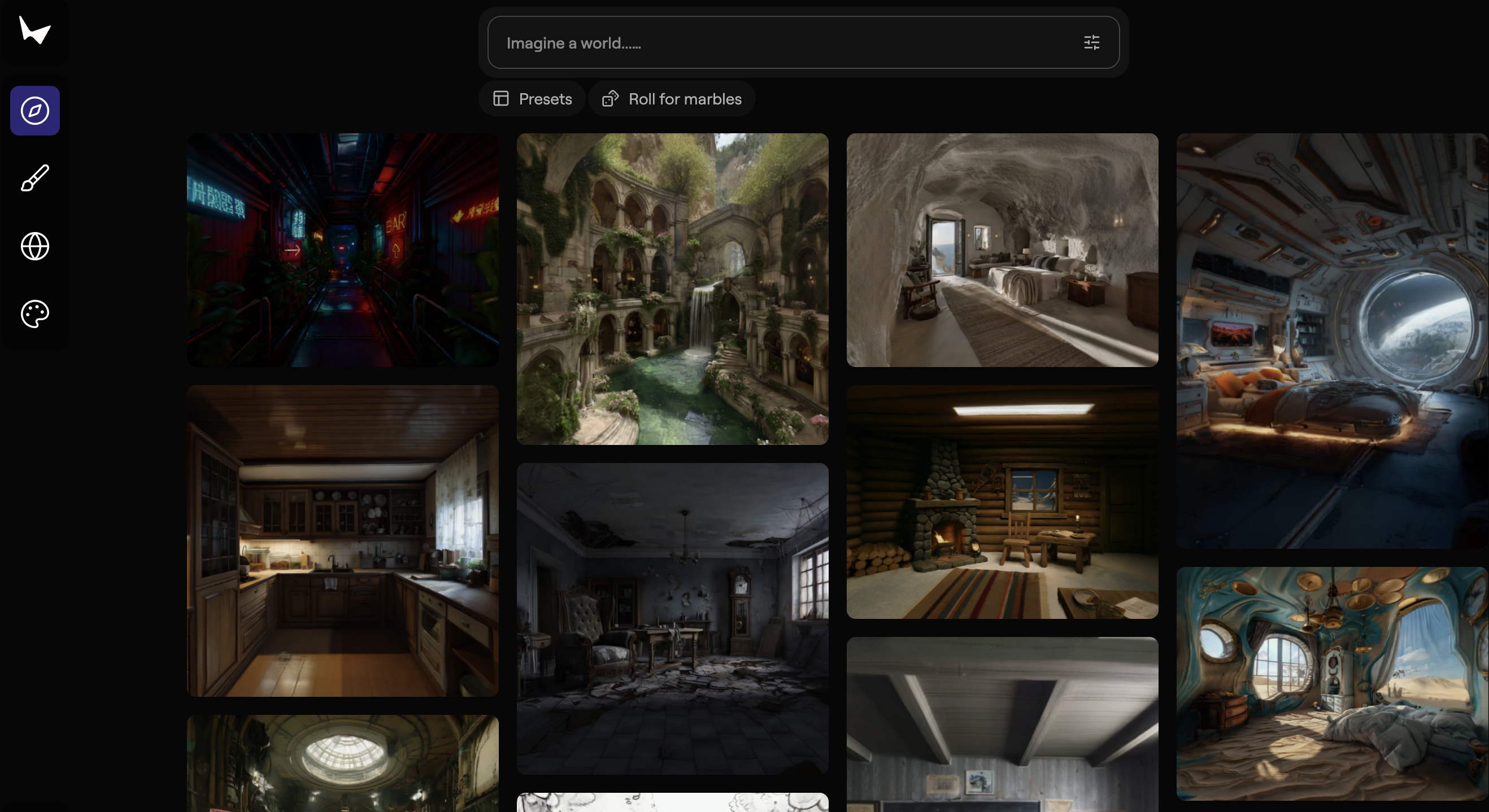
Curated tool directory

Compare 8 AI 3D model generators

Filter this shortlist by category or search by name and capability. Open any card for a deeper look at the product, its use cases, and its limitations.

Who this guide is for

When this shortlist is useful

Game teams prototyping props

Fast generation can fill an early scene with assets that artists refine later.

Designers exploring product concepts

Image-to-3D workflows can turn sketches and references into forms for review.

Creators building immersive scenes

Generated objects and environments can expand the starting material for spatial work.

Selection criteria

What to compare before choosing

01

Geometry

Silhouette, proportions, hidden surfaces and mesh integrity should support the intended camera distance.

02

Topology

Polygon flow, density and retopology options determine how easily the asset can be edited or animated.

03

Textures and materials

UV quality, detail consistency and material separation affect realism and downstream control.

04

Production tools

Editing, remeshing, rigging, scale and version history help move generation toward a usable asset.

05

Export and rights

Formats, engine compatibility, commercial use, privacy and credits shape the final workflow.

Editorial standards

How we built this guide

The test set includes organic and hard-surface objects generated from both text and images. Technical targets are defined for silhouette, polygon budget and intended use.

Assets are opened in standard 3D software to inspect geometry, topology, UVs, materials, scale and exports. Generation time and cleanup effort are recorded alongside visual quality.

3D tools are revisited when models, topology, rigging, texture generation, export or licensing change. A production application check accompanies each major update.

Frequently asked questions

Best AI 3D Model Generators FAQs

Can AI generate a production-ready 3D model?

Some simple assets may need limited cleanup, while complex or animated models often require artist review, retopology, texture work and rigging. Intended use defines the readiness bar.

Is text-to-3D or image-to-3D more accurate?

Image references provide visual constraints and often improve shape consistency. Text offers broader exploration. Multiple views produce better coverage for objects with important hidden geometry.

Which file formats should a 3D generator support?

Common needs include GLB or GLTF, FBX, OBJ and USD formats. Confirm material, rig and scale behavior inside the engine or application where the asset will be used.

Can generated 3D models be used in a game?

Game usage follows the provider's terms and the rights attached to source references. Developers should also check polygon count, topology, materials, performance and any required attribution.

The Rundown University

AI training for the future of work.

Get access to all our AI courses, hundreds of real-world AI use cases, live expert-led workshops, an exclusive network of AI early adopters, and more.

AI Courses

Get unlimited access to all of our current & upcoming industry-specific AI courses for the duration of your subscription.

Daily Guides

To keep up with the rapid pace of AI, our team publishes AI implementation guides daily. Our library contains 300+ practical use cases to automate real-world work.

Workshops

Join weekly, live, interactive sessions with industry leaders who are at the forefront of AI for hands-on implementation guidance and exclusive insights.

Community

Network with an exclusive community of AI-first professionals who are working smarter with AI. Learn how early adopters are using AI in their work and businesses.
