Early design visualization
Turn a sketch, massing view, or rough model capture into several visual directions before committing to detailed rendering.
Independent tool overview
mnml.ai is a browser-based visualization workspace that turns architectural sketches, model screenshots, plans, prompts, and room photos into rendered images and videos.
Visit the official mnml.ai site ↗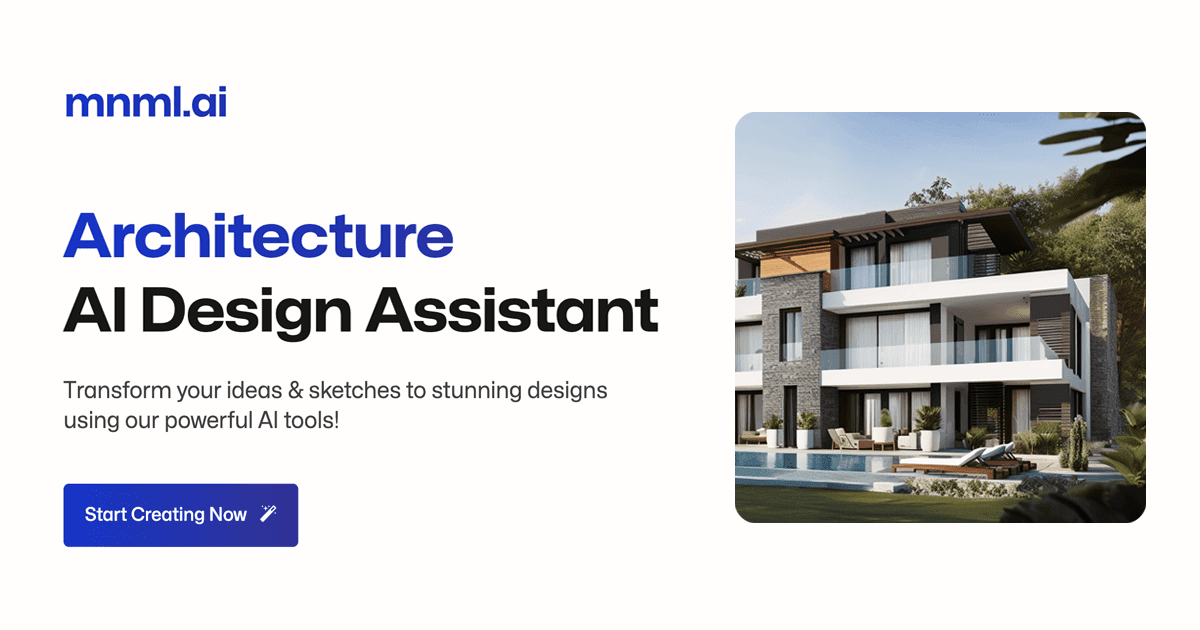
Overview
mnml.ai is built for architectural visualization rather than general-purpose image creation. Architects and designers can upload sketches, viewport captures, site plans, existing renders, or room photos, then create exterior, interior, landscape, masterplan, staging, or presentation variations.
The platform runs in the browser, so it can accept exports or screenshots from SketchUp, Revit, Blender, Rhino, 3ds Max, Lumion, V-Ray, Twinmotion, and other design tools without a local rendering plugin. Its Studio brings rendering, enhancement, editing, upscaling, video, and collaboration into one project workspace.
The output is best used for ideation and communication. AI-generated architecture can alter dimensions, structure, circulation, materials, context, and code-critical details, so it should not be treated as an accurate construction document or engineering validation.
Use cases
The strongest fit depends on the job you need the product to complete, not the size of its feature list.
Turn a sketch, massing view, or rough model capture into several visual directions before committing to detailed rendering.
Produce material, lighting, furniture, landscape, and mood variations for a design conversation.
Improve, restyle, or upscale an existing output from a traditional rendering package.
Capabilities
Convert hand-drawn or digital architectural sketches into photorealistic visualization concepts.
Render model viewports or redesign room photos with architectural and interior style controls.
Create aerial site-plan visualizations and explore outdoor-space treatments.
Refine existing CGI, improve detail, reduce artifacts, and export higher-resolution images.
Modify materials, lighting, and details with text instructions or transfer an aesthetic from a reference image.
Animate a still architectural render and invite collaborators with view, download, or edit access.
Process
Step 1
Export a clear viewport, sketch, plan, or photo with the geometry and camera angle you want the visualization to preserve.
Step 2
Select the specialized exterior, interior, sketch, landscape, masterplan, staging, or enhancement workflow.
Step 3
Change one major variable at a time—such as material, lighting, style, or landscape—so options remain comparable.
Step 4
Compare the image with source drawings and flag any invented geometry, products, code issues, or unrealistic construction details.
Cost
mnml.ai uses credits. Main tools commonly consume 10 credits per design, auxiliary tools use about 1–5, and the current video workflow can use 100 credits. Monthly plans include 1,000, 3,000, or 10,000 credits. Unused subscription credits can roll over up to two months' worth; top-up credits expire at the end of the current billing cycle. Purchases are generally final.
$0
Signup credits for testing the platform without a credit card.
$29/month
An individual plan with 1,000 credits per month.
$49/month
A higher-volume plan with 3,000 credits per month.
$119/month
A production-oriented plan with 10,000 credits per month.
$149 one time
A current discounted pack of 10,000 credits for projects without a subscription.
Pricing checked . Check current pricing at the source ↗
Assessment
Compare
The right alternative depends on the specific output, workflow, controls and budget your project requires.
Design
Consider PromeAI for a broad suite of sketch rendering, image editing, product visualization, and design-generation tools.
Explore PromeAI →Design
Consider Fabrie AI for a design workspace centered on mood boards, references, collaboration, and concept development.
Explore Fabrie AI →Design
Consider Interior Designer for a lightweight conversational custom-GPT approach to interior-design ideas.
Explore Interior Designer →Questions
mnml.ai is a browser-based AI visualization platform for architecture and interior design. It turns sketches, model screenshots, plans, photos, existing renders, and prompts into presentation images and videos.
Current monthly plans are Lite at $29 for 1,000 credits, Plus at $49 for 3,000 credits, and Studio at $119 for 10,000 credits. Annual billing lowers the effective monthly rate. Free signup credits and a one-time credit pack are also available.
mnml.ai says main tools commonly use 10 credits per design, while auxiliary tools use about 1–5. More expensive operations vary; the current video workflow displays 100 credits for a generation.
The current terms assign paid users rights to their generated assets for personal or commercial use, subject to the terms and applicable law. Users must have rights to anything they upload.
The terms say free-user images may appear in the community feed. mnml.ai also says uploaded images and outputs are not used for model training or third-party sharing without explicit written consent. Confirm project visibility and enterprise data terms before uploading confidential work.
No. It is a visualization and ideation tool. Generated images can invent or alter design details and must be checked against the authoritative model, drawings, engineering, product specifications, and applicable codes.
Bottom line
mnml.ai is a strong option when the bottleneck is creating architecture and interior-design visuals quickly from existing design work. Its specialized tools and browser workflow are more relevant to the field than a general image generator. Use it for concept exploration and communication, while keeping geometry, specifications, compliance, and constructability in the authoritative design system.
Visit mnml.ai website ↗
Get access to all our AI courses, hundreds of real-world AI use cases, live expert-led workshops, an exclusive network of AI early adopters, and more.
Get unlimited access to all of our current & upcoming industry-specific AI courses for the duration of your subscription.
To keep up with the rapid pace of AI, our team publishes AI implementation guides daily. Our library contains 300+ practical use cases to automate real-world work.
Join weekly, live, interactive sessions with industry leaders who are at the forefront of AI for hands-on implementation guidance and exclusive insights.
Network with an exclusive community of AI-first professionals who are working smarter with AI. Learn how early adopters are using AI in their work and businesses.