Scheduling assistants
Connect natural-language requests to real calendar availability.
Independent tool overview
Google Calendar manages schedules and events and provides an API for connecting authorized AI scheduling and meeting workflows.
Visit the official Google Calendar site ↗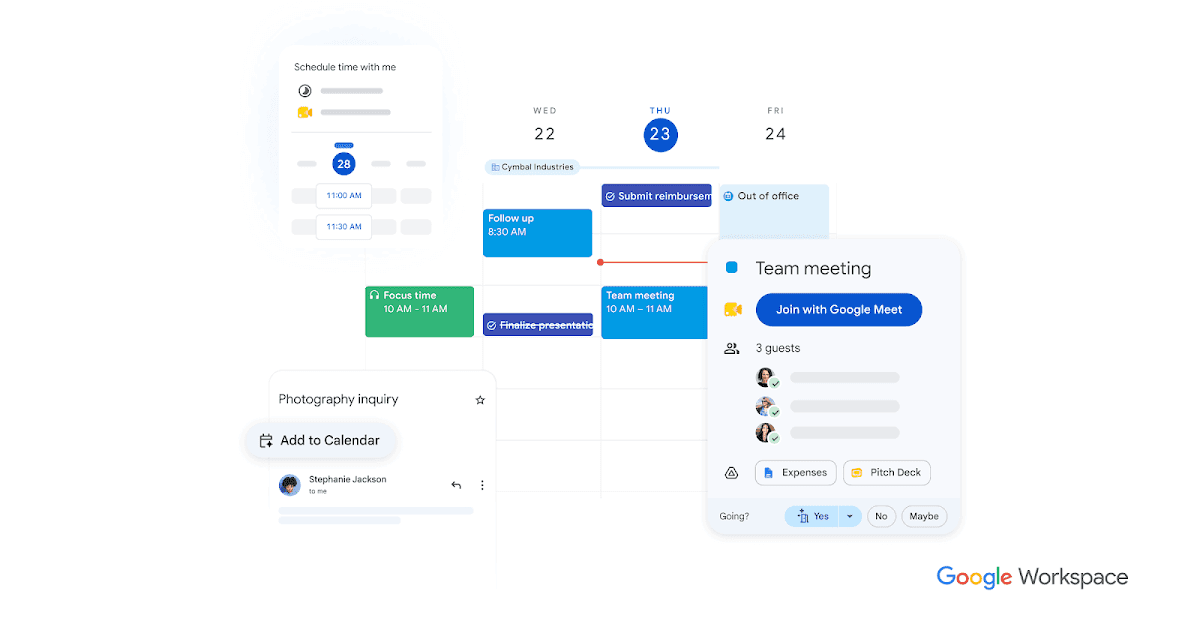
Overview
Calendar organizes events, availability, invitations, and appointment scheduling. Its API exposes calendar and event resources for integrations. AI assistance can help interpret a scheduling request, while Calendar supplies the actual availability and event record.
For a first workflow, specify participants, timezone, duration, and scheduling constraints. Read the relevant calendars through approved access. Review the date, guests, and details before creating or sending an invitation.
Use cases
The strongest fit depends on the job you need the product to complete, not the size of its feature list.
Connect natural-language requests to real calendar availability.
Maintain a shared source of meeting times.
Capabilities
Manage events and calendars with other people.
Work with invitations and scheduling tools.
Read or update authorized calendar resources through an integration.
Process
Step 1
Specify participants, timezone, duration, and scheduling constraints.
Step 2
Read the relevant calendars through approved access.
Step 3
Review the date, guests, and details before creating or sending an invitation.
Cost
Personal Calendar access and paid Google Workspace features are available; premium scheduling and AI features depend on the plan.
See official plans
Personal Calendar access and paid Google Workspace features are available; premium scheduling and AI features depend on the plan.
Pricing checked . Check current pricing at the source ↗
Assessment
Compare
The right alternative depends on the specific output, workflow, controls and budget your project requires.
Project Management
Consider Reclaim AI when the main need is automated time blocking and calendar planning.
Explore Reclaim AI →Questions
Google Calendar manages schedules and events and provides an API for connecting authorized AI scheduling and meeting workflows.
Calendar organizes events, availability, invitations, and appointment scheduling. Its API exposes calendar and event resources for integrations. AI assistance can help interpret a scheduling request, while Calendar supplies the actual availability and event record.
An integration needs appropriate calendar permissions. Timezone mistakes or incorrect guests can make an otherwise valid event wrong.
Bottom line
Google Calendar is useful for scheduling assistants. Timezone mistakes or incorrect guests can make an otherwise valid event wrong.
Visit Google Calendar website ↗
Google Docs is a collaborative document editor with Gemini drafting and editing on eligible plans, useful for reviewing and sharing AI-assisted written work.

Intercom's AI customer-service agent for resolving support questions across chat and other service channels using company knowledge and procedures.
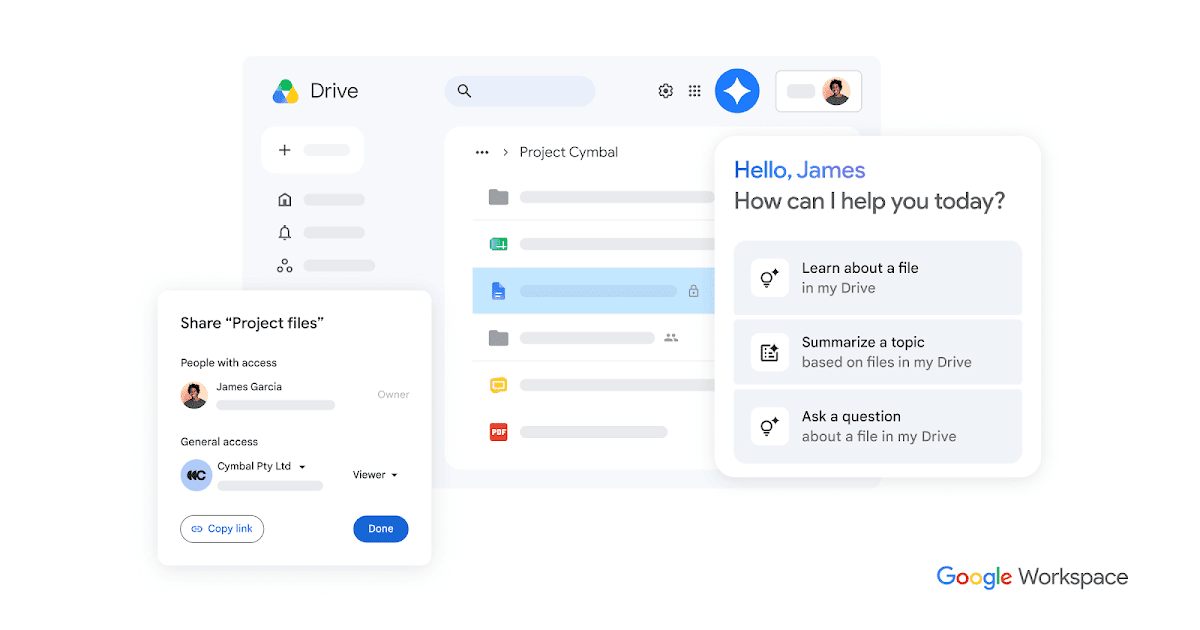
Google Drive stores and shares files, provides Gemini assistance on eligible plans, and serves as a document source for authorized AI and automation workflows.
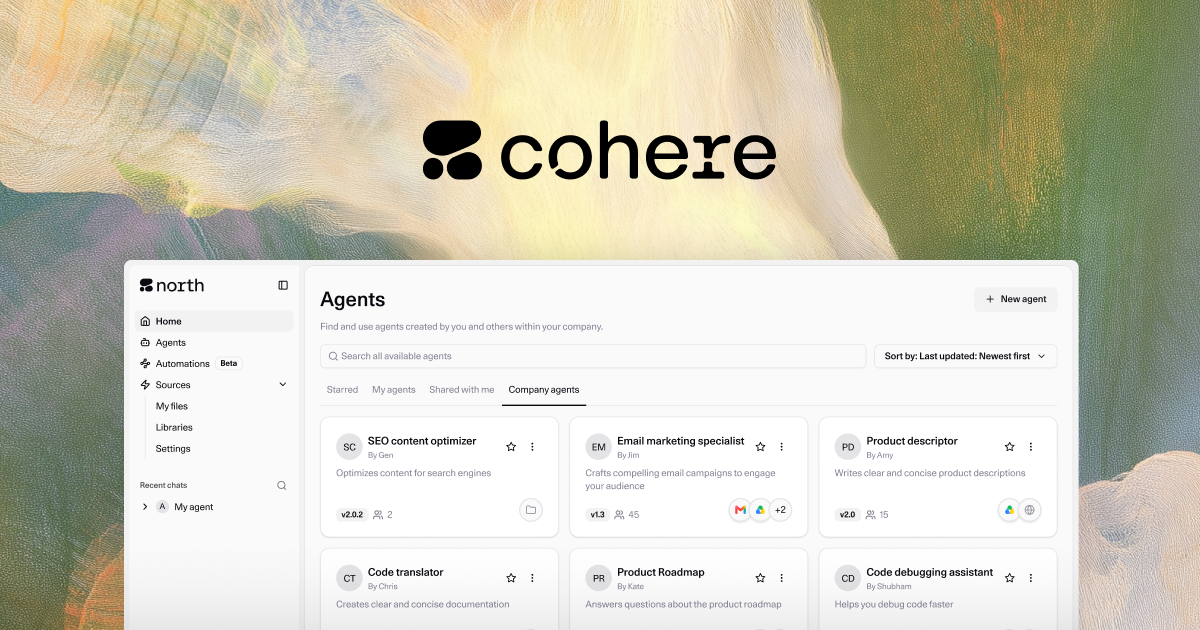
Enterprise AI platform for retrieval-grounded generation, multilingual models, embeddings, reranking, and private deployment.

Get access to all our AI courses, hundreds of real-world AI use cases, live expert-led workshops, an exclusive network of AI early adopters, and more.
Get unlimited access to all of our current & upcoming industry-specific AI courses for the duration of your subscription.
To keep up with the rapid pace of AI, our team publishes AI implementation guides daily. Our library contains 300+ practical use cases to automate real-world work.
Join weekly, live, interactive sessions with industry leaders who are at the forefront of AI for hands-on implementation guidance and exclusive insights.
Network with an exclusive community of AI-first professionals who are working smarter with AI. Learn how early adopters are using AI in their work and businesses.