Mac users who write across many apps
Polish email, chat, notes, documents, support replies, and browser text without moving content into another editor.
Independent tool overview
Fixkey is a native macOS writing assistant that turns speech into polished text and applies AI rewrites, translations, formatting, and custom prompts inside nearly any Mac app.
Visit the official Fixkey site ↗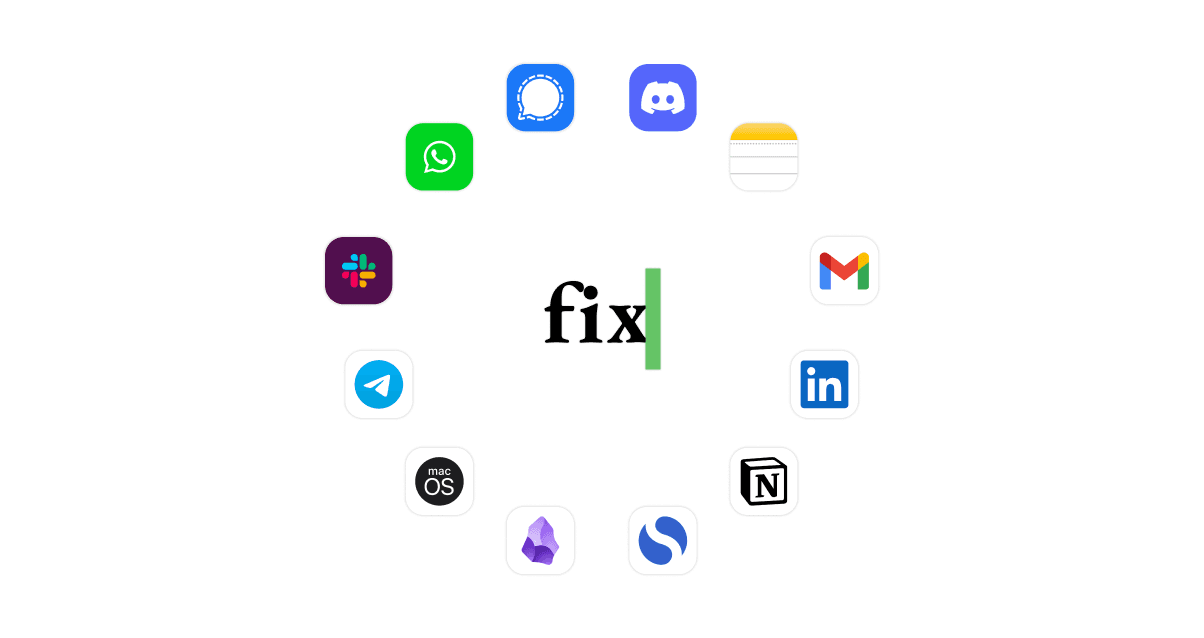
Overview
Fixkey brings AI writing and voice dictation into the Mac applications people already use. A keyboard shortcut can polish selected text or the current sentence, while voice mode transcribes speech and can format or improve the result before inserting it into an email, document, chat, note, or browser field.
Its advantage is system-wide convenience: users do not have to copy text into a separate chatbot or web editor. The tradeoff is platform dependence and data handling. Fixkey is currently presented as a native macOS product, and text or speech sent for AI processing leaves the local app for the service's European servers.
Use cases
The strongest fit depends on the job you need the product to complete, not the size of its feature list.
Polish email, chat, notes, documents, support replies, and browser text without moving content into another editor.
Dictate ideas and have Fixkey add punctuation, formatting, and writing polish as the text is produced.
Translate or improve writing across the large language set supported by the product.
Create custom prompts for recurring tasks such as changing tone, summarizing, formatting, or adapting a response style.
Capabilities
Improve a sentence, selection, or paragraph inside Mac apps with a customizable keyboard shortcut.
Turn voice into text while automatically adding punctuation and formatting.
Clean up dictated language so the inserted result reads more like finished writing than a raw transcript.
Translate and improve content across more than 180 languages according to the product's current feature pages.
Build reusable commands for specific tones, styles, formats, summaries, or other writing workflows.
Add names or specialist terms to a personal dictionary and configure shortcuts around frequent actions.
Process
Step 1
Download the Mac app, sign in, and provide the macOS permissions required for system-wide text interaction and voice input.
Step 2
Select existing text for rewriting or start speaking from the app where the final content should appear.
Step 3
Use Quickfixer, a translation, voice polish, or a custom prompt through the configured shortcut or prompt picker.
Step 4
Check that names, facts, tone, formatting, and meaning survived the transformation before publishing or sending the text.
Cost
Fixkey currently lists one Pro subscription with unlimited AI rewrites and speech-to-text. The official pricing page displays annual billing at $48 per year, and the download page advertises a 14-day trial without a credit card.
14 days free
Short evaluation period for testing the native Mac workflow.
$48/year
Annual subscription shown on the official pricing page.
Pricing checked . Check current pricing at the source ↗
Assessment
Compare
The right alternative depends on the specific output, workflow, controls and budget your project requires.
Content Creator
Choose Wispr Flow for another cross-app voice dictation experience, especially if dictation is more important than text rewriting.
Explore Wispr Flow →Content Creator
Choose QuillBot for browser-based paraphrasing, grammar, summarization, and writing tools that are not limited to macOS.
Explore QuillBot →Business Operations
Choose ChatGPT when you need broader research, analysis, drafting, and conversational work and do not mind moving between a dedicated app and your writing surface.
Explore ChatGPT →Questions
Fixkey is a macOS utility for system-wide voice dictation, text polishing, rewriting, translation, formatting, and custom AI writing commands.
The official pricing page lists Fixkey Pro at $48 per year. The site also advertises a 14-day trial with no credit card required.
Fixkey says it works system-wide across macOS apps, including browsers and native applications. Compatibility can still depend on the target app and the permissions available on the Mac.
The current official site promotes a native Mac download and does not present a Windows version.
No. Its privacy policy says data is processed and stored on secure servers in Europe, so organizations should assess whether that handling is appropriate for their content.
Bottom line
Fixkey is a compelling low-cost option for Mac users who want dictation and AI rewriting directly inside their everyday apps. The native workflow is its strongest differentiator, while platform exclusivity, required permissions, and server-side processing are the main reasons some users or organizations may choose an alternative.
Visit Fixkey website ↗
Get access to all our AI courses, hundreds of real-world AI use cases, live expert-led workshops, an exclusive network of AI early adopters, and more.
Get unlimited access to all of our current & upcoming industry-specific AI courses for the duration of your subscription.
To keep up with the rapid pace of AI, our team publishes AI implementation guides daily. Our library contains 300+ practical use cases to automate real-world work.
Join weekly, live, interactive sessions with industry leaders who are at the forefront of AI for hands-on implementation guidance and exclusive insights.
Network with an exclusive community of AI-first professionals who are working smarter with AI. Learn how early adopters are using AI in their work and businesses.


