Language learners
Read authentic articles with the original and translated text visible together instead of losing the source wording.
Independent tool overview
BiRead is a Chrome extension that places original and translated webpage text together, with bilingual YouTube subtitles and a learning mode for reading practice.
Visit the official BiRead site ↗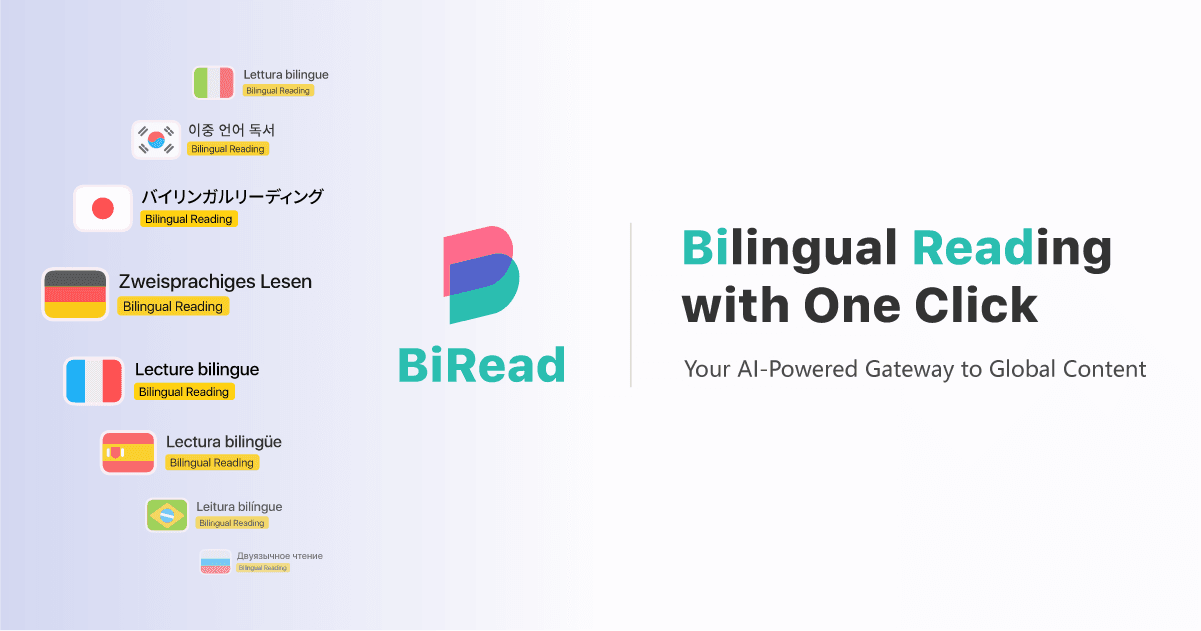
Overview
BiRead is built for reading the web in two languages without repeatedly copying text into a separate translator. With one click, its Chrome extension adds a parallel translation while preserving the source text for comparison.
The free option uses Google Translate and supports 32 languages. The paid Advanced option uses AI-powered translation, advertises more than 100 languages and is designed to work across websites. BiRead also provides bilingual YouTube subtitles and a learning mode that reveals the first-language translation when needed.
The side-by-side format is useful for comprehension and language practice, but machine translation should not be treated as certified or authoritative. Users should verify legal, medical, technical and other consequential material with a qualified translator.
Use cases
The strongest fit depends on the job you need the product to complete, not the size of its feature list.
Read authentic articles with the original and translated text visible together instead of losing the source wording.
Scan foreign-language pages more quickly while retaining a direct reference to each source paragraph.
Follow supported YouTube videos with parallel subtitles for comprehension and vocabulary exposure.
Capabilities
Displays translated text alongside the original page content with a one-click browser workflow.
Supports language practice by showing the native-language translation only when the reader needs help.
Adds parallel subtitle support for video-based learning and comprehension.
Uses Google Translate to provide a no-cost bilingual reading option across 32 languages.
Adds context-oriented AI translation, more than 100 languages and broader website support.
Process
Step 1
Add BiRead from the Chrome Web Store and review the requested browser permissions.
Step 2
Set the source or automatic detection and select the language to display alongside it.
Step 3
Open an article or supported site and activate BiRead to insert the parallel translation.
Step 4
Reduce dependence on the translation by revealing first-language help only as needed.
Step 5
Check ambiguous phrases against the original and use a qualified human translator for high-stakes material.
Cost
BiRead offers a free Google Translate-powered tier and an Advanced AI translation option. The current pricing page displays $2.90 USD for Advanced but does not clearly state the billing period, so confirm the charge at checkout.
$0
Basic bilingual reading powered by Google Translate.
$2.90 USD displayed
AI-powered translation for broader language and website coverage.
Pricing checked . Check current pricing at the source ↗
Assessment
Compare
The right alternative depends on the specific output, workflow, controls and budget your project requires.
Consumer
A broader conversational translator for text, voice and images without a dedicated side-by-side webpage extension.
Explore Translate with ChatGPT →Consumer
An open translation-model family for developers who want to build or self-host a specialized translation workflow.
Explore TranslateGemma →Educators
A more interactive option for practicing conversation rather than translating complete webpages.
Explore Language Coach →Questions
BiRead is a Chrome extension that converts webpages into a bilingual format with the original and translated text shown together.
Yes. The free tier uses Google Translate and supports 32 languages. An Advanced AI translation option is also available.
The pricing page currently displays $2.90 USD, but it does not clearly state whether that is monthly, annual or another billing period. Confirm the final terms before purchase.
BiRead's official Chrome listing includes bilingual subtitle support for YouTube videos.
BiRead lists 32 languages for the free Google Translate tier and more than 100 languages for Advanced AI translation.
BiRead can help with basic understanding, but machine translation should not replace a certified human translator for legal, immigration, medical or other official documents.
Bottom line
BiRead is a useful lightweight choice for people who learn or research by reading real webpages in two languages. Its parallel layout and learning mode are the differentiators; buyers considering Advanced should first confirm the unclear billing period and test translation quality on their actual language pair.
Visit BiRead website ↗
Get access to all our AI courses, hundreds of real-world AI use cases, live expert-led workshops, an exclusive network of AI early adopters, and more.
Get unlimited access to all of our current & upcoming industry-specific AI courses for the duration of your subscription.
To keep up with the rapid pace of AI, our team publishes AI implementation guides daily. Our library contains 300+ practical use cases to automate real-world work.
Join weekly, live, interactive sessions with industry leaders who are at the forefront of AI for hands-on implementation guidance and exclusive insights.
Network with an exclusive community of AI-first professionals who are working smarter with AI. Learn how early adopters are using AI in their work and businesses.


