Small support sites
Teams that want a low-code FAQ assistant over an approved website or help center and can supervise every answer.
Independent tool overview
Userdesk creates no-code AI support assistants grounded in websites, sitemaps, Notion, Google Drive, PDFs, Zendesk Help Center content, and GitBook documentation.
Visit the official Userdesk site ↗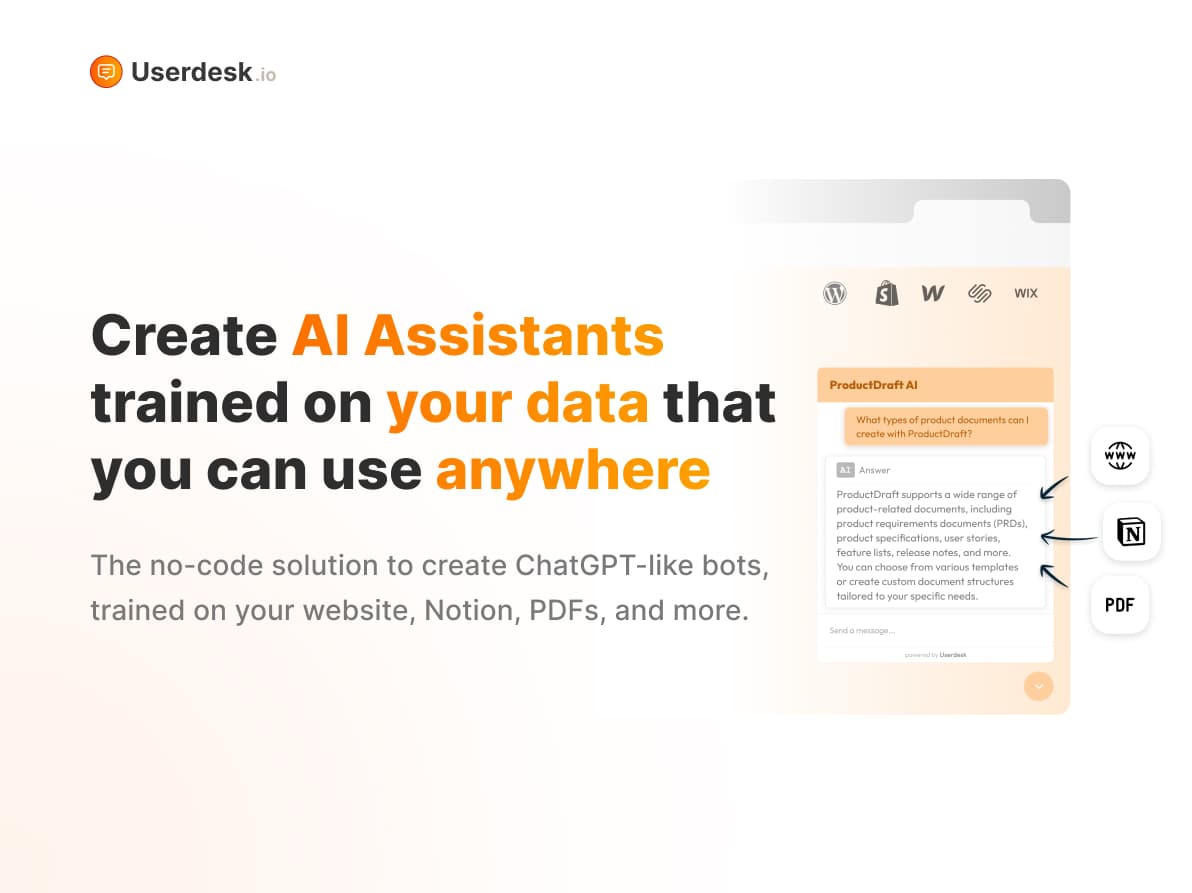
Overview
Userdesk is an AI chatbot platform operated by Pixelfox Group AB. A business can connect public or approved knowledge sources, configure an assistant, and deploy it as a website widget, standalone link, Slack app, Shopify integration, or custom HTTP workflow.
The product is built for retrieval-based support and lead capture rather than a general-purpose live-chat suite. It stores visitor questions and generated answers so the chatbot owner can review conversations, and its widget can optionally receive a logged-in visitor's name and email or trigger a human-escalation callback.
The main concern is documentation quality and governance. The current pricing page lists API access on every plan and links to working API documentation, yet its FAQ says there is no API. It also says only questions and answers are stored, while the widget documentation supports sending names and emails. Teams should validate the live product, contract, retention, subprocessor, security, consent, and deletion behavior before exposing the bot to customers.
Use cases
The strongest fit depends on the job you need the product to complete, not the size of its feature list.
Teams that want a low-code FAQ assistant over an approved website or help center and can supervise every answer.
Organizations embedding a source-grounded assistant in Slack or a controlled Notion page for low-risk internal questions.
Stores using catalog content and the documented order-status integration, after validating authentication and data exposure.
Service providers comparing multiple chatbots and white-label options, provided they obtain clear contractual data and support terms.
Capabilities
Ingests websites, sitemaps, Zendesk Help Center or GitBook URLs, Notion, Google Drive, and PDF files.
Growth and higher plans advertise daily retraining when connected website or document sources change.
Embeds a branded chat bubble on WordPress, Shopify, Webflow, Wix, Squarespace, or other sites with custom code.
Exposes JavaScript methods for opening, hiding, theme switching, supplying user identity, asking a question, and handling human escalation.
Adds a slash command that lets workspace members query a selected Userdesk chatbot.
Uses a store sitemap for product knowledge and documents an order-status integration.
Stores visitor questions and assistant answers and makes the full history visible to the chatbot owner.
Adjusts the assistant's name, colors, language, suggestions, widget appearance, and custom CSS.
Can collect contact details for follow-up or invoke a site's own callback when a visitor requests a person.
Documents authenticated endpoints for creating conversations and sending streaming or non-streaming messages, although the pricing FAQ contradicts current availability.
Process
Step 1
Choose the exact products, policies, audiences, languages, and question types the bot may handle and route everything else to a person.
Step 2
Remove secrets, personal data, drafts, outdated prices, conflicting policies, and content the business lacks permission to process.
Step 3
Connect a small source set first, then test answer grounding, source freshness, refusal behavior, multilingual quality, and prompt-injection resistance.
Step 4
Tell visitors they are speaking with AI, explain recording and human review, link the applicable privacy notice, and collect consent where required.
Step 5
Use domain restrictions, least-privilege API keys, authenticated order lookups, and controlled Slack access where the live product supports them.
Step 6
Define escalation triggers for account, payment, refund, medical, legal, safety, abuse, accessibility, complaint, and low-confidence questions.
Step 7
Inspect wrong or harmful answers, redact unnecessary personal data, update the source of truth, and document recurring failure patterns.
Step 8
Retest the bot after daily source sync, model changes, pricing or policy updates, widget changes, and new integrations.
Step 9
Export essential knowledge and document how to remove widgets, revoke keys, delete customer data, and restore human-only support.
Cost
Userdesk offers a small free plan plus Hobby, Growth, Pro, and Enterprise subscriptions. Month-to-month prices are inferred from the annual 'two months free' totals shown on the live pricing page: $19, $49, $99, and $499. Annual billing displays approximate monthly equivalents of $16, $41, $83, and $416.
$0
Evaluation tier for one small assistant.
$19 monthly or $190/year
Entry paid plan for a single chatbot.
$49 monthly or $490/year
Two-bot plan with higher limits and daily source refresh.
$99 monthly or $990/year
Higher-volume plan for up to five chatbots.
$499 monthly or $4,990/year
Large public tier with custom-integration options.
$39/month
Removes the Powered by Userdesk label from chat widgets outside plans that already include removal.
Pricing checked . Check current pricing at the source ↗
Assessment
Compare
The right alternative depends on the specific output, workflow, controls and budget your project requires.
Business Operations
Chatbase is a close hosted alternative for building a website chatbot over custom knowledge sources, with its own model, action, and pricing tradeoffs.
Explore Chatbase →Marketing
Tiledesk is a broader open-core customer-support and agent platform with stronger workflow and human-support options for teams willing to manage more complexity.
Explore Tiledesk →Business Operations
ChatBotKit is a more developer-oriented alternative for assembling custom chatbot experiences, data sources, integrations, and APIs.
Explore ChatBotKit →Questions
Userdesk is a no-code platform for creating AI support assistants grounded in approved websites, documents, and connected knowledge sources.
Yes. Its product site, pricing, documentation, API reference, privacy policy, and terms were accessible when reviewed on September 1, 2026.
Yes. The free plan lists one chatbot, 30 AI messages per month, 50,000 training words, unlimited live-chat messages, Slack integration, and API access.
Month-to-month prices are $19 for Hobby, $49 for Growth, $99 for Pro, and $499 for Enterprise based on the annual totals and two-month discount shown by the provider. Annual totals are $190, $490, $990, and $4,990.
The provider documents websites, sitemaps, Zendesk Help Center and GitBook URLs, Notion, Google Drive, and PDF files. Only approved, current, non-sensitive content should be connected.
Growth, Pro, and Enterprise plans advertise daily synchronization for websites, sitemaps, Notion pages, and Google Drive files.
Its plan cards and API reference say yes, but the pricing FAQ says no. This conflict should be resolved with a live test and written confirmation before an implementation depends on it.
Yes. Its documentation describes a Slack app with a slash command that queries a selected chatbot.
Yes. The pricing FAQ says it stores all visitor questions and chatbot answers and shows the full history to the chatbot owner.
The JavaScript widget documentation includes methods for setting a logged-in user's name and email and a human-escalation flow that can ask for contact details.
The current pricing FAQ says it uses OpenAI models, with GPT-3.5 listed by default and GPT-4 on Growth and higher plans. Confirm the actual current model and data handling contractually.
No. It can deflect routine questions, but teams need monitored conversation logs, authoritative sources, a reliable handoff, and humans for exceptions, complaints, sensitive issues, and binding decisions.
Not as a documented standard integration. The pricing FAQ says neither is currently available and invites customers to discuss custom Enterprise work.
Only after the Shopify integration is tested for strong authentication, authorization, redaction, logging, and cross-customer isolation. Product availability alone is not a security guarantee.
Bottom line
Userdesk offers a straightforward route from existing content to a deployed support assistant, with transparent volume limits and useful widget, Slack, and Shopify options. The conflicting API and visitor-data documentation is a serious procurement warning: use a narrow pilot, require written answers on data and security, and keep human review and escalation central.
Visit Userdesk website ↗
Get access to all our AI courses, hundreds of real-world AI use cases, live expert-led workshops, an exclusive network of AI early adopters, and more.
Get unlimited access to all of our current & upcoming industry-specific AI courses for the duration of your subscription.
To keep up with the rapid pace of AI, our team publishes AI implementation guides daily. Our library contains 300+ practical use cases to automate real-world work.
Join weekly, live, interactive sessions with industry leaders who are at the forefront of AI for hands-on implementation guidance and exclusive insights.
Network with an exclusive community of AI-first professionals who are working smarter with AI. Learn how early adopters are using AI in their work and businesses.


