Creators managing several channels
Compose once, tailor by platform and plan content in a visual calendar without switching between native apps for every draft.
Independent tool overview
Publer is a social media management platform for creating, customizing, approving, scheduling and analyzing posts across multiple networks from shared workspaces.
Visit the official Publer site ↗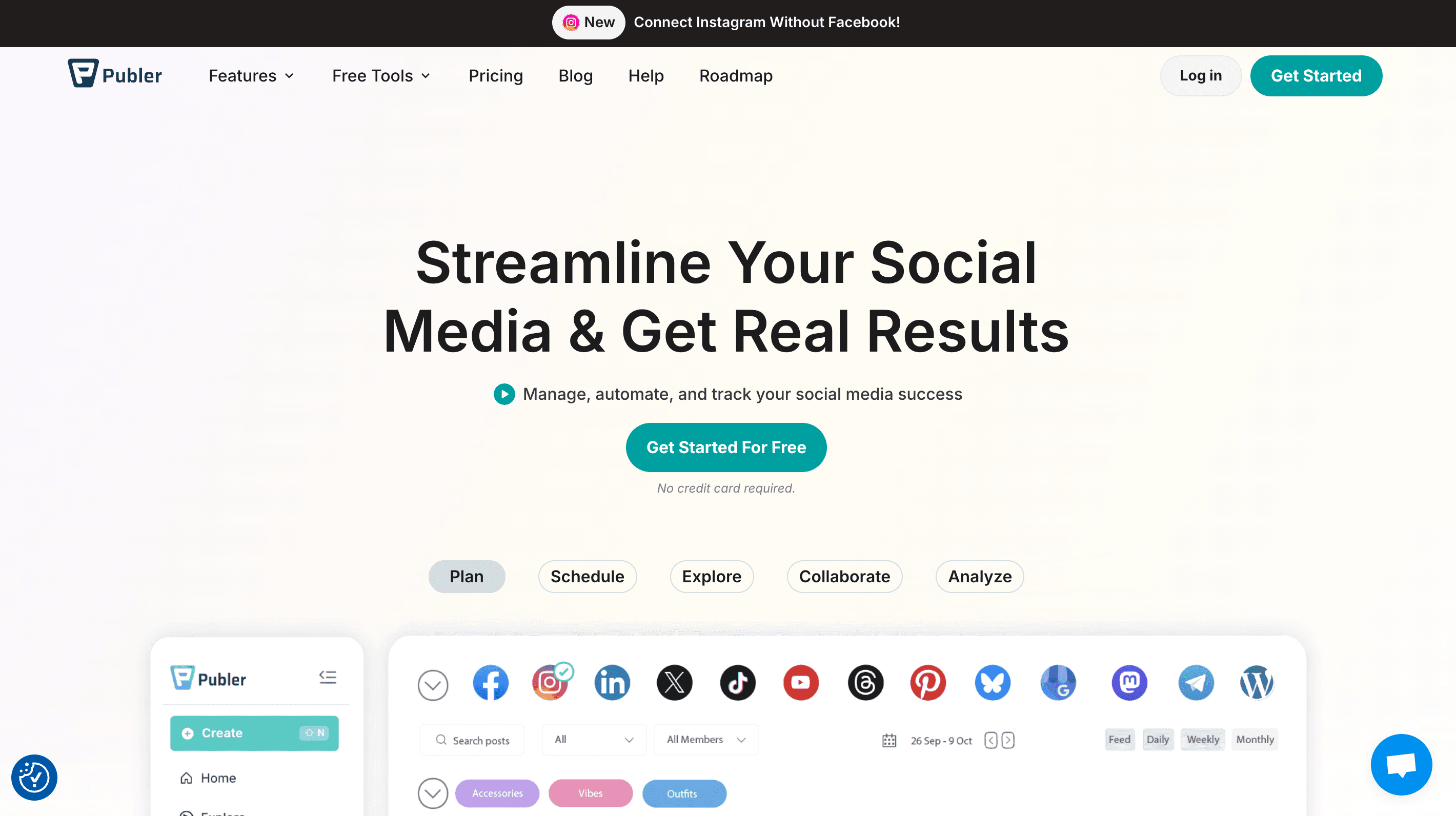
Overview
Publer combines a multi-network composer, publishing calendar, bulk scheduling, media tools, workspaces and analytics. It is aimed at individual creators, marketing teams and agencies that want one operating layer across their social accounts.
The platform can customize a post by network, preview formats, schedule follow-up comments, recycle content, automate RSS publishing and export reports. Higher tiers add deeper analytics and AI assistance, while the exact posting formats and automation behavior remain constrained by each social network's API.
The strongest workflow is controlled publishing: connect only approved accounts, assign narrow roles, require review for high-risk posts and maintain an emergency path for revoking access. Scheduling saves operational time, but it does not remove the need for platform-specific QA, community judgment or measurement discipline.
Use cases
The strongest fit depends on the job you need the product to complete, not the size of its feature list.
Compose once, tailor by platform and plan content in a visual calendar without switching between native apps for every draft.
Separate brands into workspaces and add role-based collaboration, internal notes and client approval.
Bulk import and schedule campaign content, then monitor history and results from one dashboard.
Capabilities
Creates text, image, video and carousel posts with network-specific copy, media, hashtags and previews.
Plans content visually and can import up to 500 posts by CSV according to Publer's current bulk-scheduling page.
Supports follow-up comments, auto-share, auto-delete, recycled posts and RSS-based publishing, subject to plan and network support.
Organizes brands or clients with member roles, internal notes and two-tier review flows.
Tracks post and account metrics, hashtag and competitor data, suggested times and PDF or CSV exports on applicable plans.
Business-tier tools generate and revise content, maintain brand guidance and analyze connected performance data.
Includes a media library and connections to services such as Canva, VistaCreate, Unsplash, Google Drive and Dropbox.
Process
Step 1
Use organization-owned credentials, enable two-factor authentication and connect only the profiles needed for the workspace.
Step 2
Separate creation, review and publishing authority; add a client or brand owner as approver where appropriate.
Step 3
Create the core post, then check copy, crop, tags, links, accessibility and format separately for every network.
Step 4
Review timing, time zone, expiration and automation rules, and pause queues during breaking news or a brand incident.
Step 5
Use Publer reports for workflow decisions but reconcile important campaign numbers with native network analytics and business outcomes.
Cost
Publer prices paid plans dynamically by the number of connected social accounts and members. The official help center lists monthly starting prices; annual billing, taxes, promotions and the live configurator may change the final amount.
$0
A limited workspace for testing basic scheduling.
Starts at $5/month
For ongoing scheduling across all supported networks.
Starts at $10/month
Adds AI, analytics and more advanced optimization.
Custom quote
For high-volume organizations needing onboarding and prioritized support.
Pricing checked . Check current pricing at the source ↗
Assessment
Compare
The right alternative depends on the specific output, workflow, controls and budget your project requires.
Marketing
A more Instagram-centered AI assistant for creators who prioritize ideas and growth guidance over broad team scheduling.
Explore Pygma →Content Creator
A narrower content-creation option for social hooks and posts when full scheduling, approvals and analytics are unnecessary.
Explore Type Prompt →Questions
Publer is used to create, review, schedule, publish and analyze social content across multiple networks from a shared dashboard.
Yes. The current Free plan supports up to three social accounts, excludes X/Twitter and limits the pending queue, drafts and post-history retention.
As checked August 31, 2026, Professional starts at $5 per month for one social account and Business starts at $10 per month for one account. Extra accounts and members add recurring charges, while Enterprise is custom-priced.
Publer says its composer supports 13 networks and highlights Facebook, Instagram, LinkedIn, Google Business Profile, X/Twitter, TikTok and YouTube. Specific content types and automation options vary by network.
Yes. Its workspace documentation describes member roles, internal notes, client collaboration and a two-tier approval system.
On eligible plans it can brainstorm, draft, revise and adapt posts using Brand Voices, and can analyze connected performance data. All output still needs human review.
It can centralize useful metrics and exports, but network definitions and API coverage vary. Reconcile consequential reporting with native analytics and business conversion data.
Publer documents two-factor authentication and workspace roles. Agencies should still use least privilege, organization-owned access, approval gates, offboarding procedures and incident controls.
Bottom line
Publer offers unusually accessible entry pricing alongside solid scheduling, workspace and reporting depth. It is a strong candidate for creators and agencies willing to configure roles and connected-account costs carefully, but buyers should test every priority network and maintain human approval and native-data checks.
Visit Publer website ↗
Get access to all our AI courses, hundreds of real-world AI use cases, live expert-led workshops, an exclusive network of AI early adopters, and more.
Get unlimited access to all of our current & upcoming industry-specific AI courses for the duration of your subscription.
To keep up with the rapid pace of AI, our team publishes AI implementation guides daily. Our library contains 300+ practical use cases to automate real-world work.
Join weekly, live, interactive sessions with industry leaders who are at the forefront of AI for hands-on implementation guidance and exclusive insights.
Network with an exclusive community of AI-first professionals who are working smarter with AI. Learn how early adopters are using AI in their work and businesses.


