Finishing unfinished tracks
Analyze an existing session and surface complementary drums, instruments, vocals, or textures without manually searching sample folders.
Independent tool overview
Output Co-Producer is an AI-assisted sample workflow with two connected experiences: a free browser Pack Generator that creates downloadable music ideas from text, and a paid DAW plugin that analyzes your track to find or re-imagine matching royalty-free samples.
Visit the official Co-Producer Pack Generator site ↗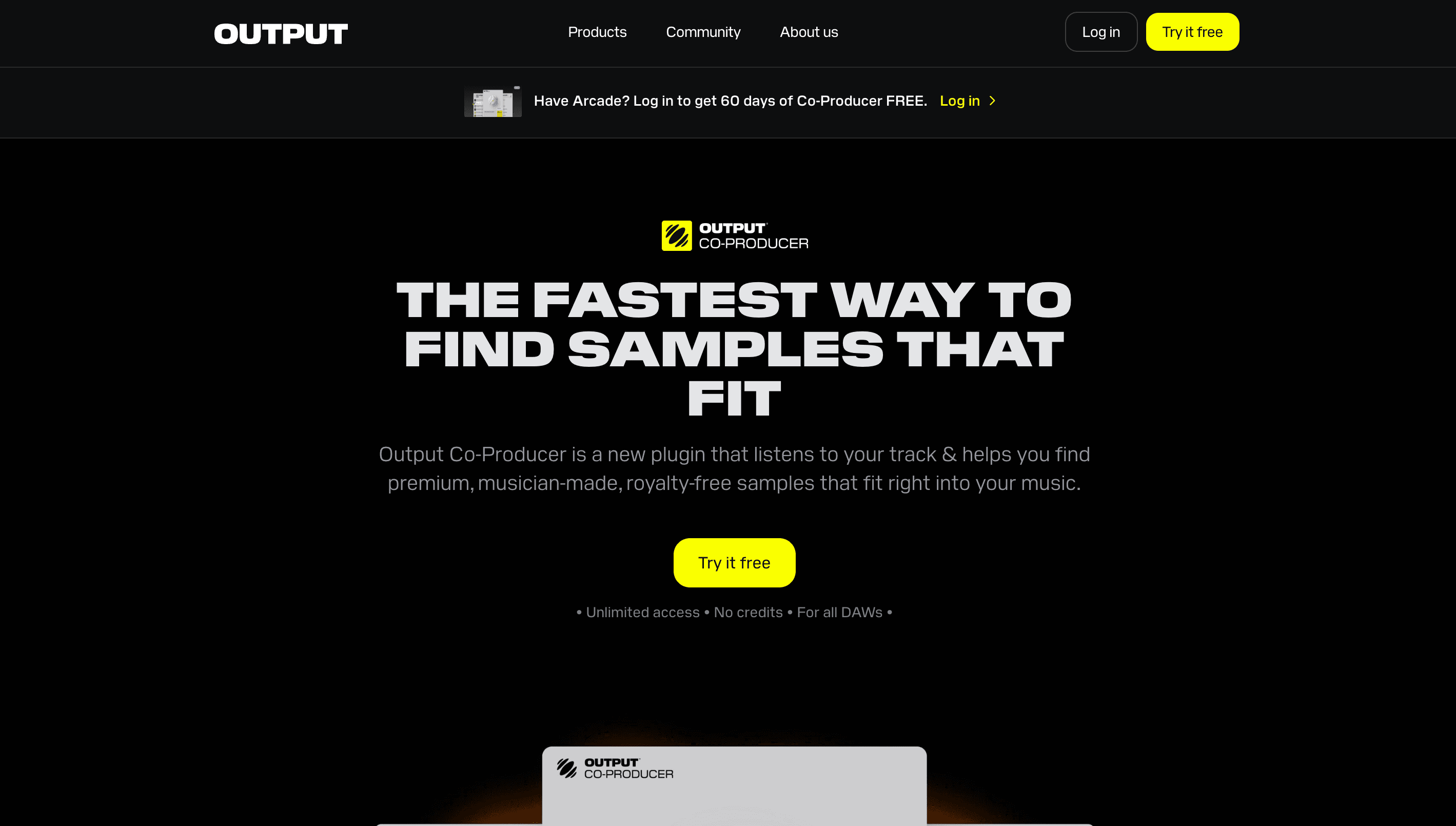
Overview
Output's original Co-Producer Pack Generator is still available: enter a prompt and it produces four original music ideas, then lets you download a 44.1kHz stereo mix, stems, and sample pack for the result you choose. Output says the system curates, combines, and often re-synthesizes material from its own royalty-free sound library.
The main Co-Producer product is now a subscription DAW plugin. It captures four or eight bars from a session, analyzes harmonic and rhythmic content, and recommends samples from Output and partner libraries. Search can use audio, text, or both, and previews follow the session key and tempo before you drag a sound into the project.
Co-Producer speeds up sample discovery rather than writing or finishing a complete song. The producer still chooses the sounds, edits the material, handles arrangement and mix decisions, and checks licensing restrictions. Its Re-imagine feature can generate new variations of Output samples, but the track analysis itself is used for recommendations rather than to train a generative model.
Use cases
The strongest fit depends on the job you need the product to complete, not the size of its feature list.
Analyze an existing session and surface complementary drums, instruments, vocals, or textures without manually searching sample folders.
Use Pack Generator to turn a mood, genre, instrument list, key, and tempo into four downloadable musical starting points.
Audition library sounds in the session key and BPM before dragging them into the DAW.
Use Re-imagine to make new royalty-free variations from a promising Output sample while preserving selected musical characteristics.
Incorporate licensed Output content into original songs, scores, videos, or client work, subject to the restriction against reselling sounds as sample content.
Capabilities
A text prompt returns four original music ideas; choose one and download its full mix, stems, and individual sample pack.
Capture four or eight bars from a DAW session so Co-Producer can recommend samples using the track's harmonic and rhythmic context.
Search with descriptive language alone or combine a prompt with captured audio for more directed recommendations.
Preview samples in the selected session key and DAW tempo before committing them to the arrangement.
Move selected samples directly from the plugin into the DAW, with no per-download credit system.
Generate fresh variations derived from Output's musician-made, royalty-free catalog and other ethically sourced licensed material.
Bookmark samples for later and review a record of sounds already moved into the session.
Let Co-Producer estimate the key from a captured section before it searches and transposes previews.
Send a selected sound toward Arcade's Kit Generator for additional slicing, shaping, and playable sampler workflows.
Process
Step 1
Use the free browser tool for prompt-to-stems ideation. Use the paid plugin when you already have a DAW session and want context-aware sample discovery.
Step 2
For Pack Generator, name genre, mood, instruments, key, and BPM. In the plugin, capture a clean four- or eight-bar section and optionally add a text direction.
Step 3
Compare musical fit, sonic density, key, tempo, transient shape, and how much space a sample leaves for the existing arrangement.
Step 4
Download the Pack Generator mix and stems, or drag a plugin sample into the DAW. Save the source information with the session.
Step 5
Chop, arrange, layer, process, record around, and mix the material as part of an original production rather than redistributing a raw sample or new sample pack.
Step 6
Keep Output's license terms available and be prepared to dispute an automated Content ID match, since other users can license some of the same library samples.
Cost
Pack Generator is currently free. The Co-Producer DAW plugin and Output One bundle each offer a seven-day trial, followed by monthly or discounted annual billing. Prices below are the current USD list prices shown by Output.
Free
Generate four prompt-based packs at a time and download a selected mix, stems, and samples.
$9.99 per month
Standalone DAW plugin subscription with unlimited sample-library access.
$79.99 per year
Discounted annual access to the standalone Co-Producer plugin.
$14.99 per month
Bundle with Co-Producer, Arcade, Creator, Portal, Thermal, Movement, and associated content.
$119.99 per year
Discounted annual billing for the full Output One software bundle.
Pricing checked . The previously reviewed pricing source is no longer available.
Assessment
Compare
The right alternative depends on the specific output, workflow, controls and budget your project requires.
Content Creator
Choose an open-weight audio model when you want to generate audio rather than search a curated DAW sample library.
Explore Stable Audio 3.0 →Content Creator
Use a song-generation platform when the goal is a complete vocal or instrumental track rather than individual production elements.
Explore Suno AI →Content Creator
Consider a broader web-based AI music tool for voice and song experiments outside a traditional sample-finding workflow.
Explore Musicfy AI →Questions
Output Co-Producer is an AI-assisted music workflow. Its DAW plugin listens to a track and recommends royalty-free samples that match its harmonic and rhythmic context, while its browser Pack Generator creates four downloadable music ideas from a text prompt.
Yes. Output's current Help Center documents Pack Generator as a free tool that creates four prompt-based packs and lets users download a selected 44.1kHz mix, stems, and samples.
Pack Generator is currently free. The standalone plugin has a seven-day trial, then costs $9.99 monthly or $79.99 annually in USD. Output One costs $14.99 monthly or $119.99 annually and includes the broader Output software bundle.
Pack Generator creates original prompt-based music ideas and downloadable stems. The plugin primarily recommends samples from Output and partner libraries, while Re-imagine generates new variations of selected sounds.
Output says Co-Producer does not use captured audio to train generative models. Audio is uploaded for cloud analysis and may be further analyzed to improve recommendations and product features; users can opt out in their account, which also deletes stored audio files.
Yes. Output grants a non-exclusive, perpetual royalty-free license to use provided or generated content in new original recordings and productions, including commercial work, subject to its license restrictions.
No. Output allows the sounds to be incorporated into new music and video works, but prohibits reselling or redistributing them as loops, samples, or another sample pack.
Output lists major desktop DAWs including Ableton Live, Logic Pro 11.1 or later, FL Studio, Reason, Reaper, Pro Tools, Cubase, Studio One, and GarageBand. The plugin is supplied in 64-bit AAX, AU, and VST3 formats as applicable.
Bottom line
Output Co-Producer is most useful for producers who like sample-based workflows but dislike auditioning endless folders in isolation. The plugin's ability to hear a session, transpose previews, and surface complementary material is practical, while the free Pack Generator is a low-friction way to get editable stems from an idea. It still leaves the important creative decisions with the producer—and its non-exclusive sample license and cloud analysis deserve a clear read before release work.
Visit Co-Producer Pack Generator website ↗
Get access to all our AI courses, hundreds of real-world AI use cases, live expert-led workshops, an exclusive network of AI early adopters, and more.
Get unlimited access to all of our current & upcoming industry-specific AI courses for the duration of your subscription.
To keep up with the rapid pace of AI, our team publishes AI implementation guides daily. Our library contains 300+ practical use cases to automate real-world work.
Join weekly, live, interactive sessions with industry leaders who are at the forefront of AI for hands-on implementation guidance and exclusive insights.
Network with an exclusive community of AI-first professionals who are working smarter with AI. Learn how early adopters are using AI in their work and businesses.


