Multi-channel content
Repurpose one approved idea into several social formats.
Independent tool overview
Buffer is a social media workspace with scheduling, collaboration, analytics, and an AI Assistant for drafting and repurposing posts.
Visit the official Buffer site ↗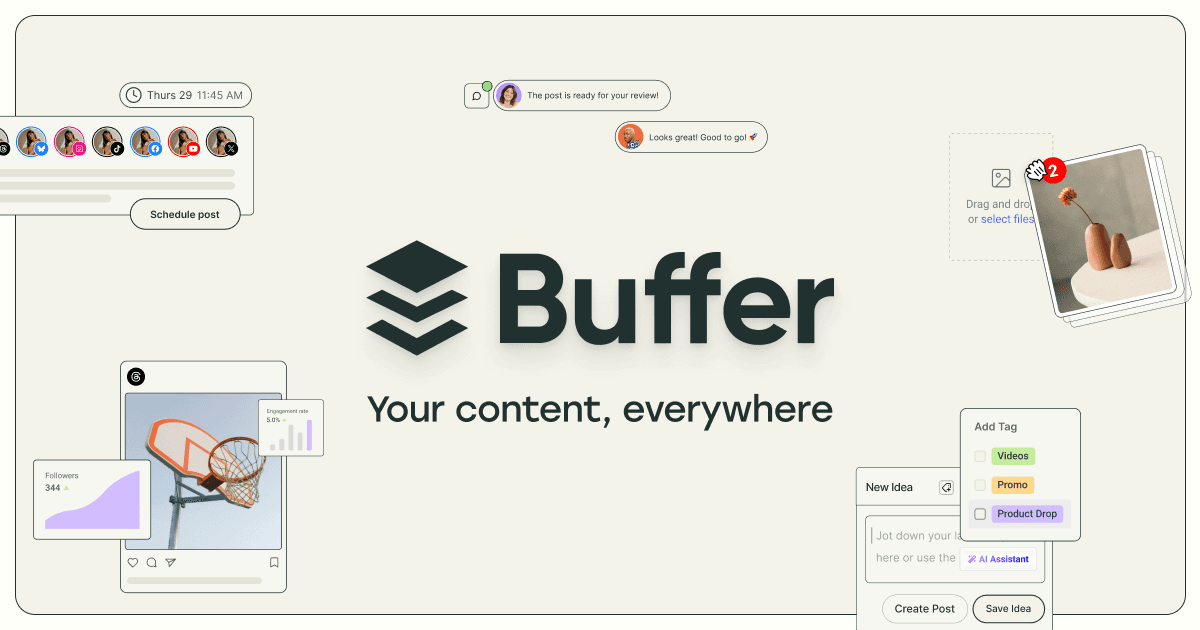
Overview
Buffer brings content creation and social publishing into one workflow. Its AI Assistant can brainstorm, rewrite, adjust tone, and tailor a post for different channels. The publishing layer then helps teams schedule and review content for the connected accounts.
For a first workflow, choose the accounts and content calendar for the campaign. Use the AI Assistant to adapt a verified idea to each channel. Check the claims, creative, and account before scheduling publication.
Use cases
The strongest fit depends on the job you need the product to complete, not the size of its feature list.
Repurpose one approved idea into several social formats.
Coordinate drafting, review, and publication.
Capabilities
Brainstorm, rewrite, and tailor social posts.
Plan publication across supported social channels.
Coordinate content review and inspect performance.
Process
Step 1
Choose the accounts and content calendar for the campaign.
Step 2
Use the AI Assistant to adapt a verified idea to each channel.
Step 3
Check the claims, creative, and account before scheduling publication.
Cost
Buffer offers free and paid plans; channel limits, collaboration, and reporting depend on the current plan.
See official plans
Buffer offers free and paid plans; channel limits, collaboration, and reporting depend on the current plan.
Pricing checked . Check current pricing at the source ↗
Assessment
Compare
The right alternative depends on the specific output, workflow, controls and budget your project requires.
Marketing
Consider Hootsuite for a broader social management suite; compare channel support and team needs.
Explore Hootsuite →Questions
Buffer is a social media workspace with scheduling, collaboration, analytics, and an AI Assistant for drafting and repurposing posts.
Buffer brings content creation and social publishing into one workflow. Its AI Assistant can brainstorm, rewrite, adjust tone, and tailor a post for different channels. The publishing layer then helps teams schedule and review content for the connected accounts.
Supported publishing actions vary by social network. AI drafts still need brand, factual, and rights review.
Bottom line
Buffer is useful for multi-channel content. AI drafts still need brand, factual, and rights review.
Visit Buffer website ↗
Facebook is a social platform and business distribution channel that can connect reviewed AI content and authorized Page workflows through Meta APIs.

Enhance customer engagement through conversational automation.

AI growth coworker for producing, publishing, and analyzing ad creative and marketing work from a persistent brand context.

Creates Shopify App Listings and Icons.

Get access to all our AI courses, hundreds of real-world AI use cases, live expert-led workshops, an exclusive network of AI early adopters, and more.
Get unlimited access to all of our current & upcoming industry-specific AI courses for the duration of your subscription.
To keep up with the rapid pace of AI, our team publishes AI implementation guides daily. Our library contains 300+ practical use cases to automate real-world work.
Join weekly, live, interactive sessions with industry leaders who are at the forefront of AI for hands-on implementation guidance and exclusive insights.
Network with an exclusive community of AI-first professionals who are working smarter with AI. Learn how early adopters are using AI in their work and businesses.