Empathy practice
Explore how pressure, excessive questions, immediate problem-solving, or vague reassurance might land in a fictional conversation.
Independent tool overview
Anxiety Simulator is a free browser-based AI role-play from AE Studio that lets you practice texting a fictional anxious friend and receive feedback on your responses. It is an empathy and communication exercise—not a diagnostic tool, anxiety treatment, therapy service, or crisis resource.
Visit the official Anxiety Simulator site ↗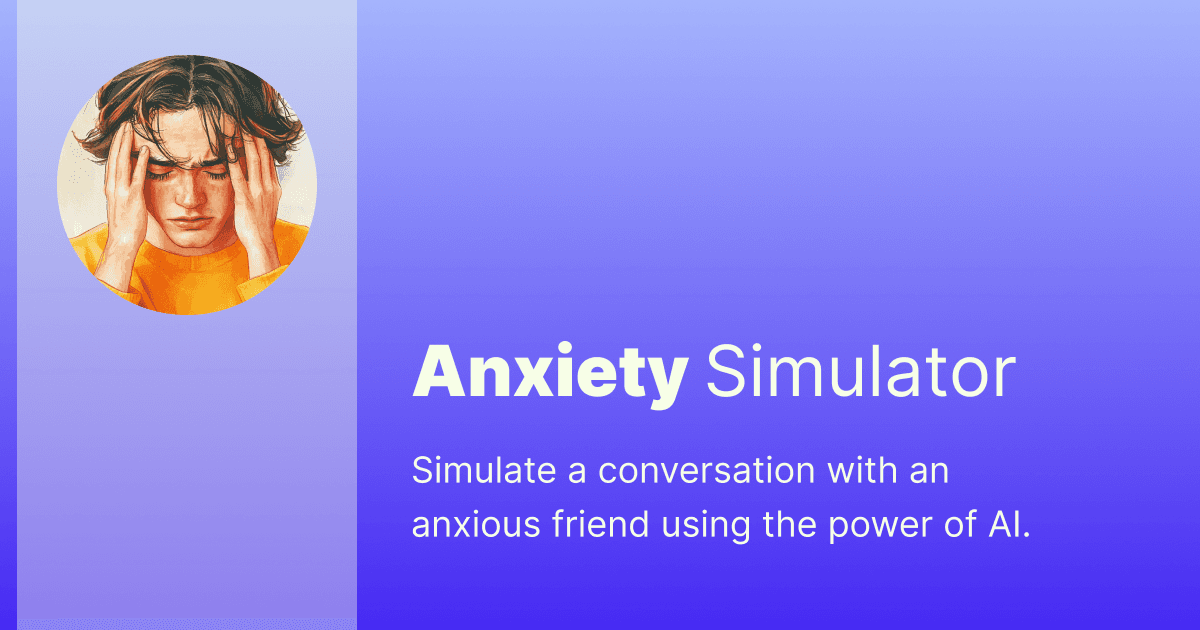
Overview
The simulator presents a text-message conversation with a fictional friend who says they are feeling anxious. You respond in your own words, and the interface generates a reply plus feedback, a rating, and sometimes a suggested alternative message.
Its companion guide emphasizes patient, low-pressure communication: validate feelings, avoid demanding quick replies, keep questions manageable, respect boundaries, and gently encourage professional help when anxiety significantly affects daily life.
The experience can help someone rehearse supportive language, but one AI character cannot represent the wide range of anxiety disorders, symptoms, cultures, relationships, or individual needs. Real support should begin by asking the person what would help, listening without diagnosing, and escalating to qualified or emergency help when appropriate.
Use cases
The strongest fit depends on the job you need the product to complete, not the size of its feature list.
Explore how pressure, excessive questions, immediate problem-solving, or vague reassurance might land in a fictional conversation.
Practice brief messages that validate feelings, offer choices, and do not demand an immediate reply.
Use the simulation as a starting point for supervised discussion about communication, individual differences, and the limits of AI role-play.
Try several ways to check in with a friend before choosing language that fits the real relationship and situation.
Capabilities
Users exchange messages with a fictional friend portrayed as feeling anxious.
The interface evaluates the user’s message and explains how it might affect someone experiencing anxiety.
Responses receive a numeric rating that provides a simple prompt for reflection rather than a clinical score.
The simulator may propose a gentler or clearer version of the user’s message.
Starter messages let users practice common social situations without creating a scenario from scratch.
An educational page covers patience, validation, boundaries, communication choices, and encouraging professional support.
Process
Step 1
Use the exercise for general communication practice, not an active crisis or a real person’s confidential situation.
Step 2
Write the kind of short message you might actually send and avoid entering names, diagnoses, or sensitive personal details.
Step 3
Consider why the simulator viewed the message as supportive or pressuring instead of focusing only on the numeric rating.
Step 4
Rewrite the message to validate the feeling, reduce pressure, offer a choice, or ask what kind of support would help.
Step 5
Use NIMH, ADAA, a clinician, or another qualified source to evaluate mental-health claims and support strategies.
Step 6
Ask what they need, respect boundaries, and remember that a friend may respond differently from the simulated character.
Step 7
In the U.S., call or text 988 for crisis support; call 911 for immediate life-threatening danger. Use local crisis or emergency services elsewhere.
Cost
Anxiety Simulator is available as a free public web experience. The site does not list a subscription, paid tier, or in-app purchase for the simulator.
Free
Use the interactive conversation and feedback experience in a web browser.
Pricing checked . Check current pricing at the source ↗
Assessment
Compare
The right alternative depends on the specific output, workflow, controls and budget your project requires.
Business Operations
ChatGPT can role-play a wider range of conversations, but it is also not a therapist or substitute for professional mental-health guidance.
Explore ChatGPT →Project Management
Claude can help rehearse supportive wording with custom context, subject to the same need for privacy caution and human judgment.
Explore Claude →Healthcare
Docus is oriented toward organizing health questions and seeking medical input rather than practicing a fictional peer-support conversation.
Explore Docus →Questions
It is a browser-based AI conversation exercise that lets you text a fictional anxious friend and receive feedback on how supportive your message may sound.
Yes. The public site currently offers the simulator without a listed subscription or paid tier.
No. It does not evaluate a real person, diagnose a condition, or provide a treatment plan.
No. It is an educational communication role-play and is not a replacement for a licensed mental-health professional.
The site recommends patient, clear, low-pressure messages that validate feelings, avoid overwhelming questions, offer communication choices, and respect delayed responses and boundaries.
Avoid entering identifiable or confidential information. The public interface does not present detailed privacy terms before the chat.
Encourage them gently to talk with a qualified health care or mental-health professional. Offer support without diagnosing or pressuring them.
In the United States, call or text 988 or use the 988 Lifeline chat. Call 911 for immediate life-threatening danger. Outside the U.S., contact the appropriate local crisis or emergency service.
Bottom line
Anxiety Simulator is a thoughtful, low-friction way to reflect on the tone of a supportive text, especially for users who learn by practicing. Its educational value comes from the explanation and revision exercise—not the AI rating itself. Keep the scenario anonymous, do not use it for diagnosis or crisis decisions, and defer to the real person and qualified professionals.
Visit Anxiety Simulator website ↗
Get access to all our AI courses, hundreds of real-world AI use cases, live expert-led workshops, an exclusive network of AI early adopters, and more.
Get unlimited access to all of our current & upcoming industry-specific AI courses for the duration of your subscription.
To keep up with the rapid pace of AI, our team publishes AI implementation guides daily. Our library contains 300+ practical use cases to automate real-world work.
Join weekly, live, interactive sessions with industry leaders who are at the forefront of AI for hands-on implementation guidance and exclusive insights.
Network with an exclusive community of AI-first professionals who are working smarter with AI. Learn how early adopters are using AI in their work and businesses.